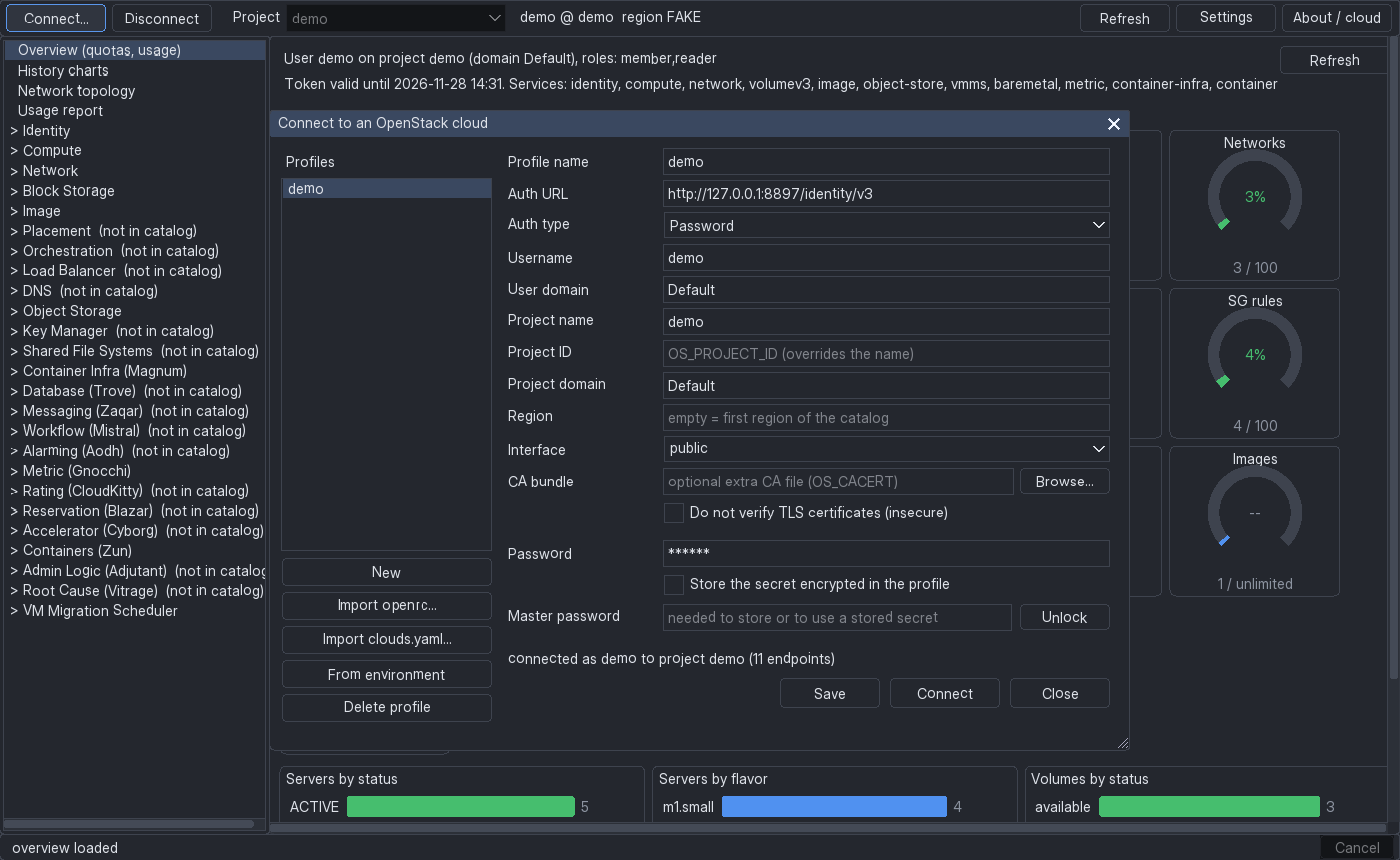
OpenStackManager manages the resources of an OpenStack cloud from a desktop window. It talks to the OpenStack REST APIs directly: no Python, no openstack command, no web browser. Each of the 1719 commands of the openstack CLI has a counterpart, and each panel shows the command it stands for.
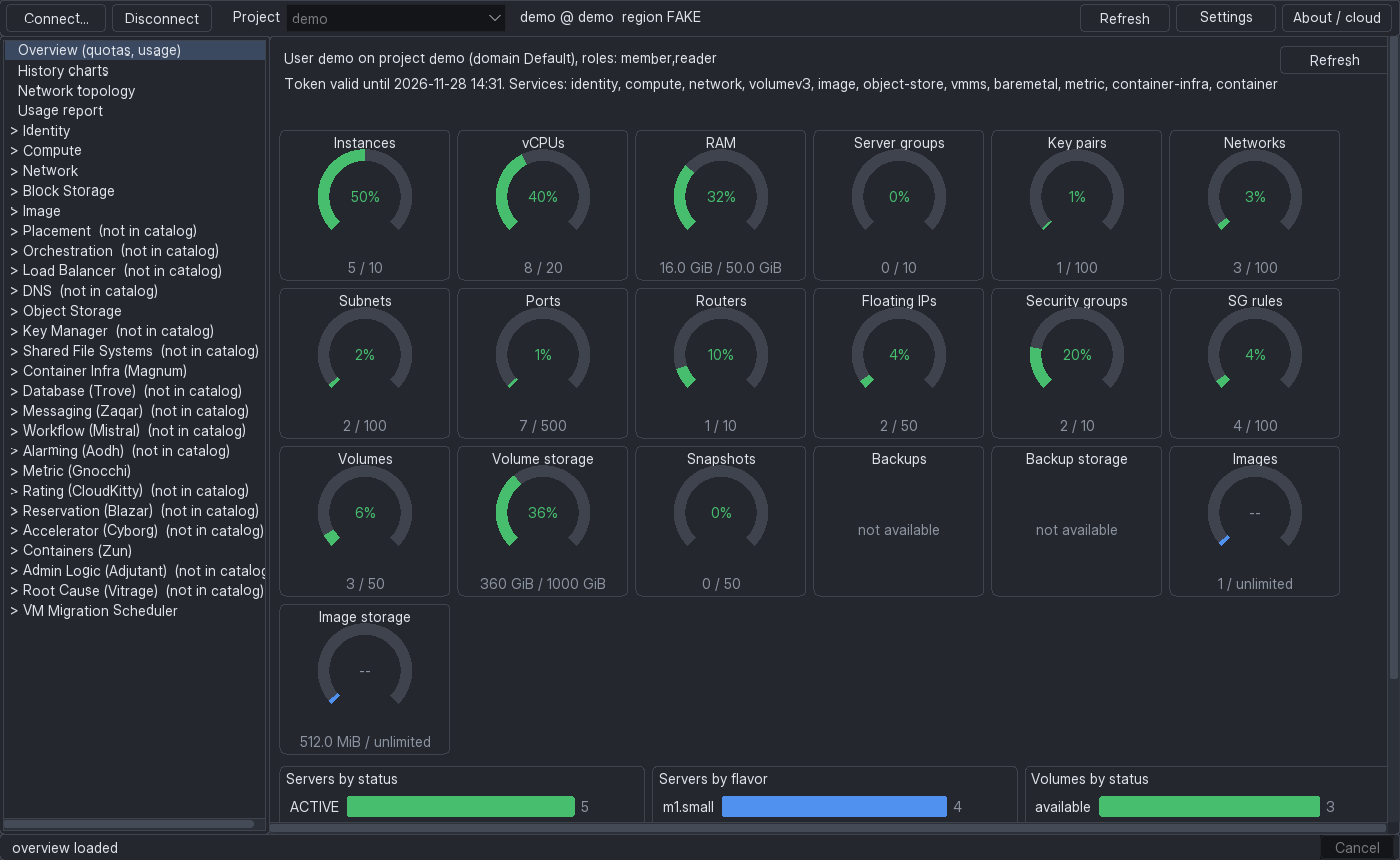
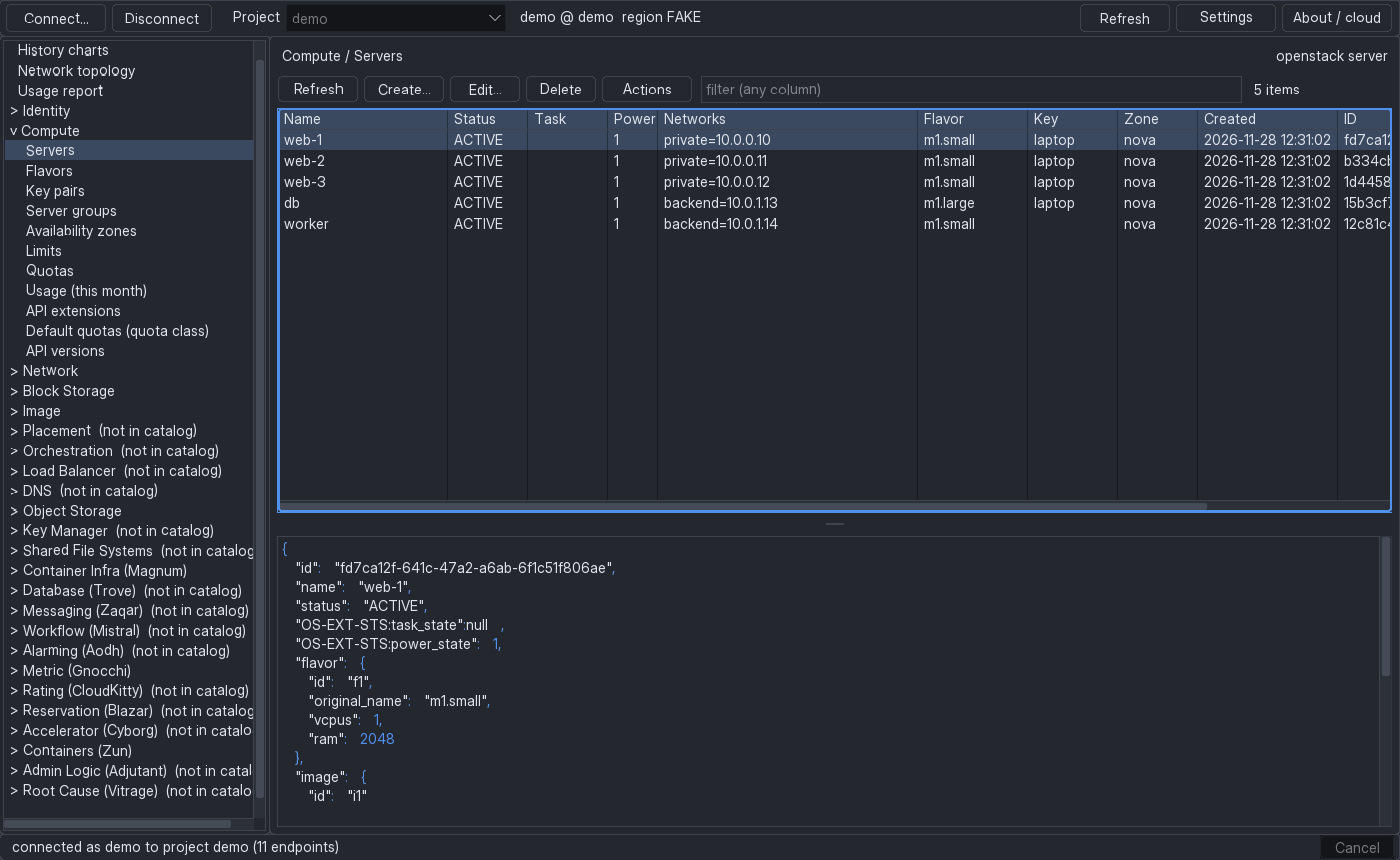
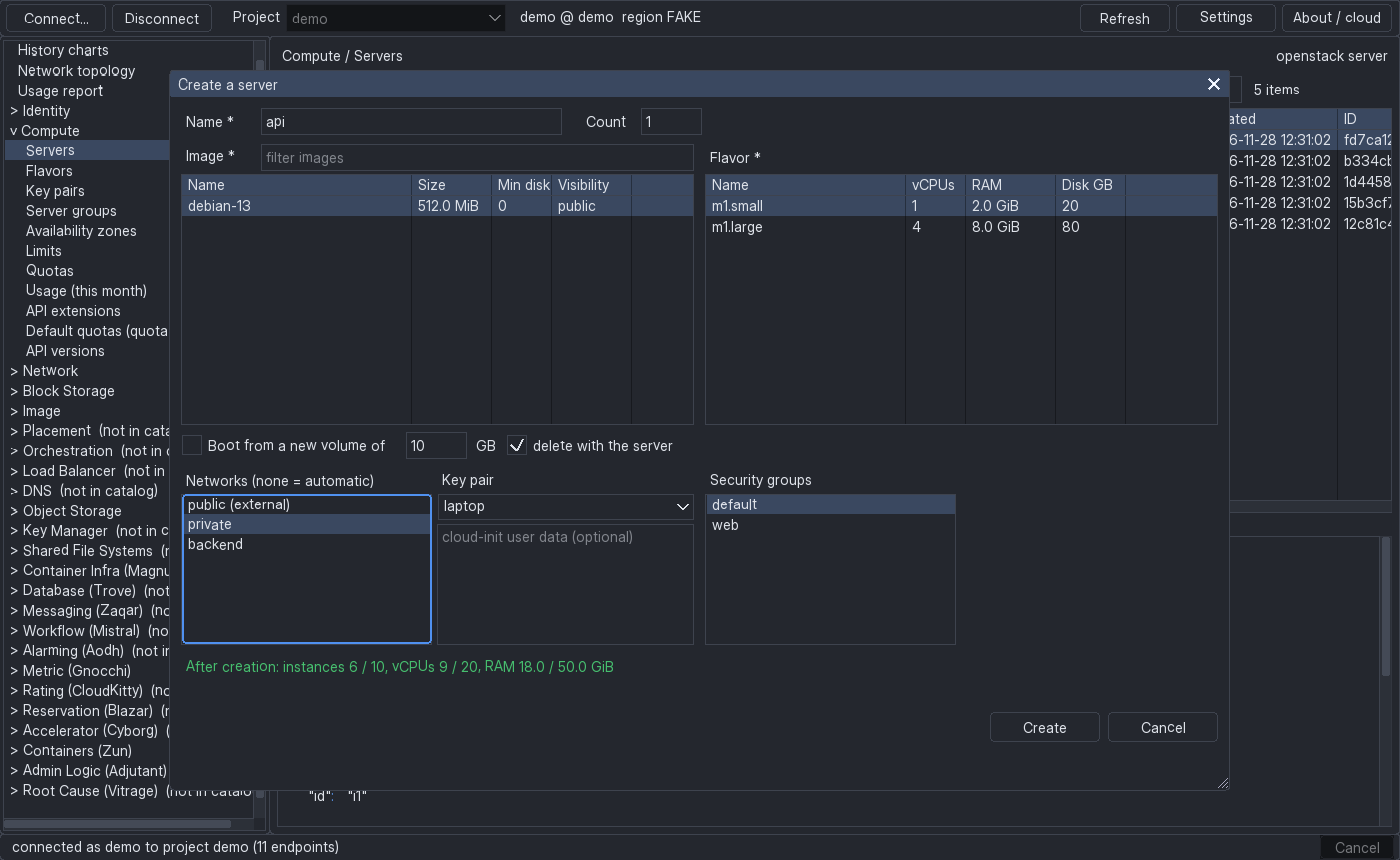
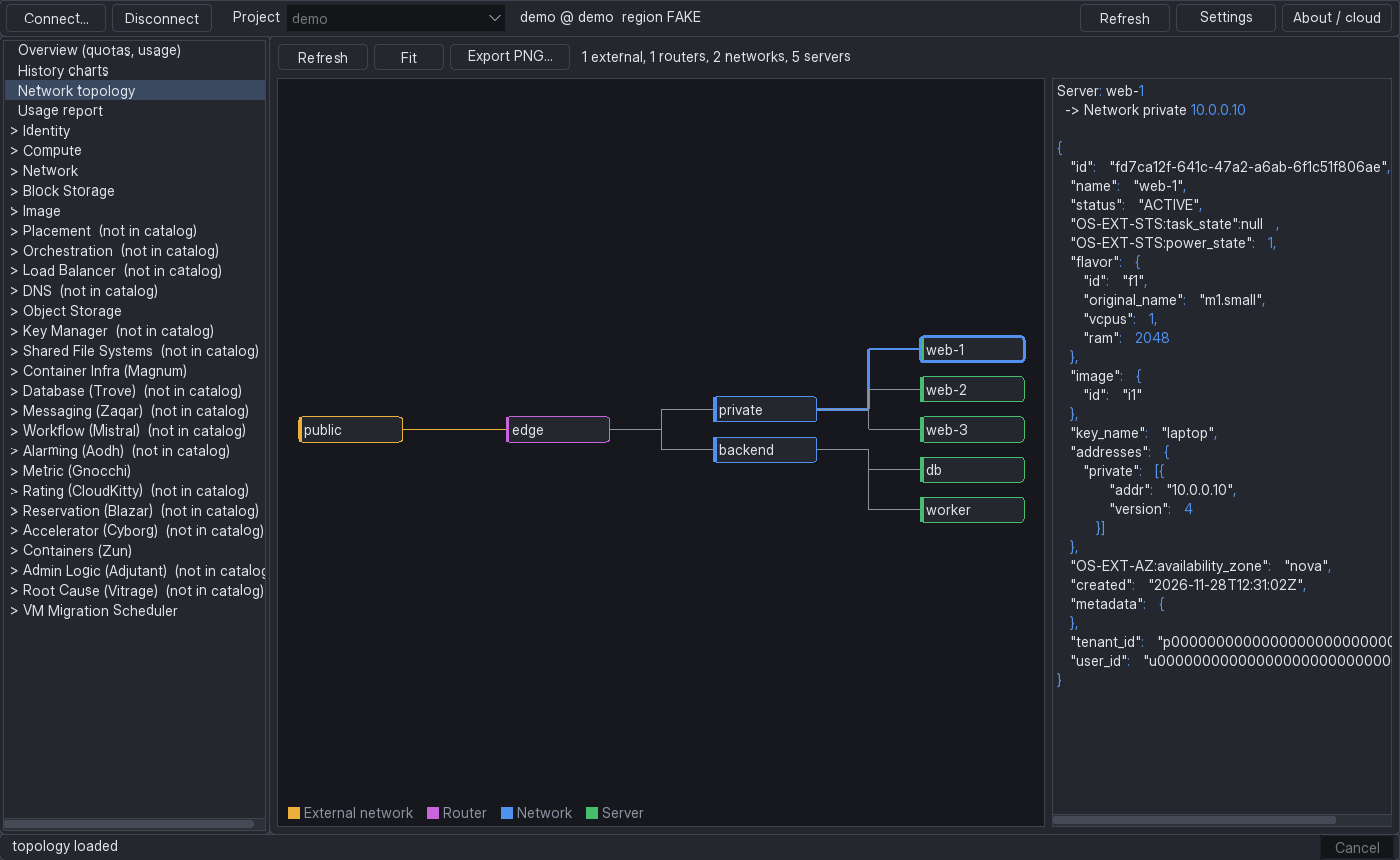
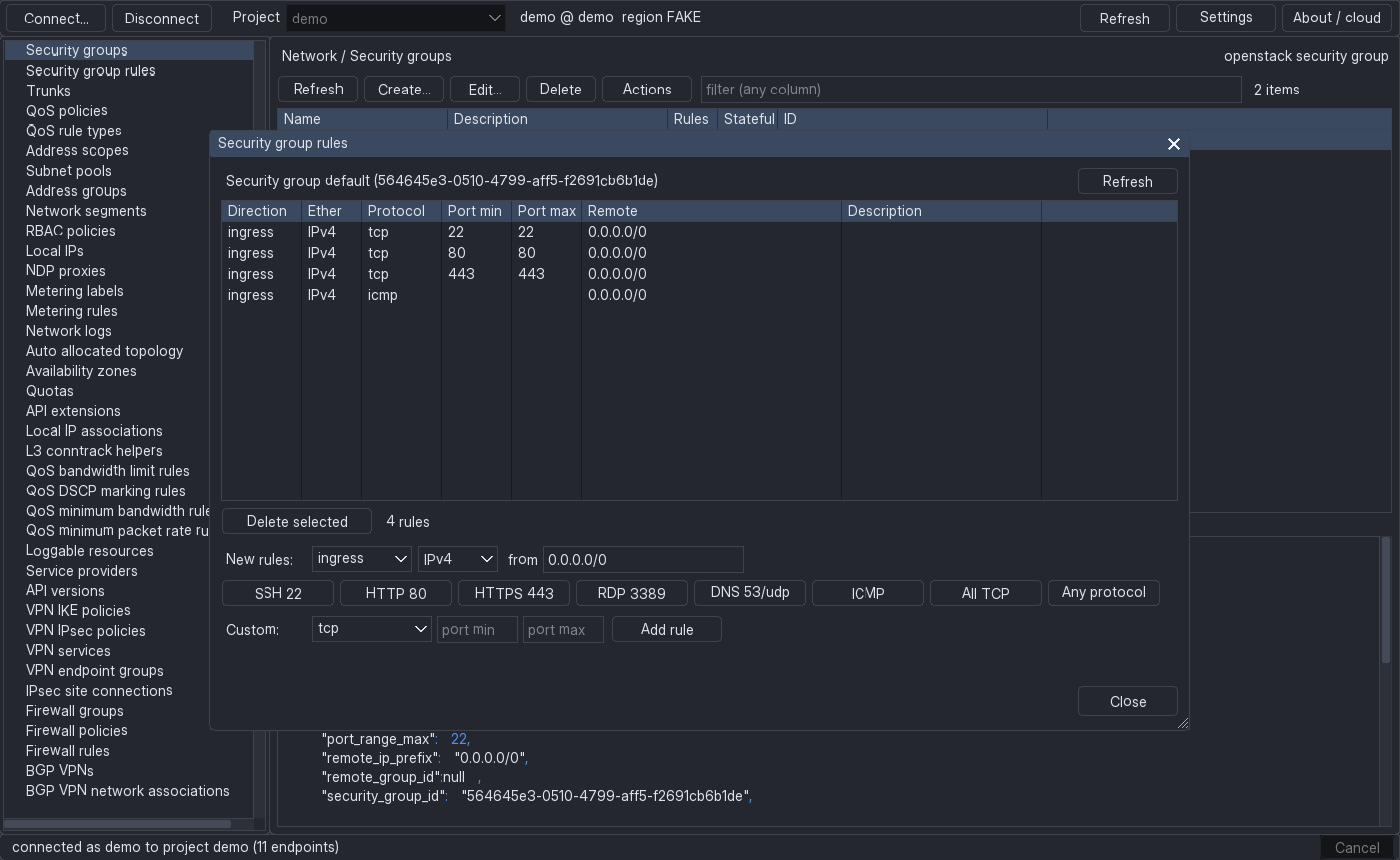
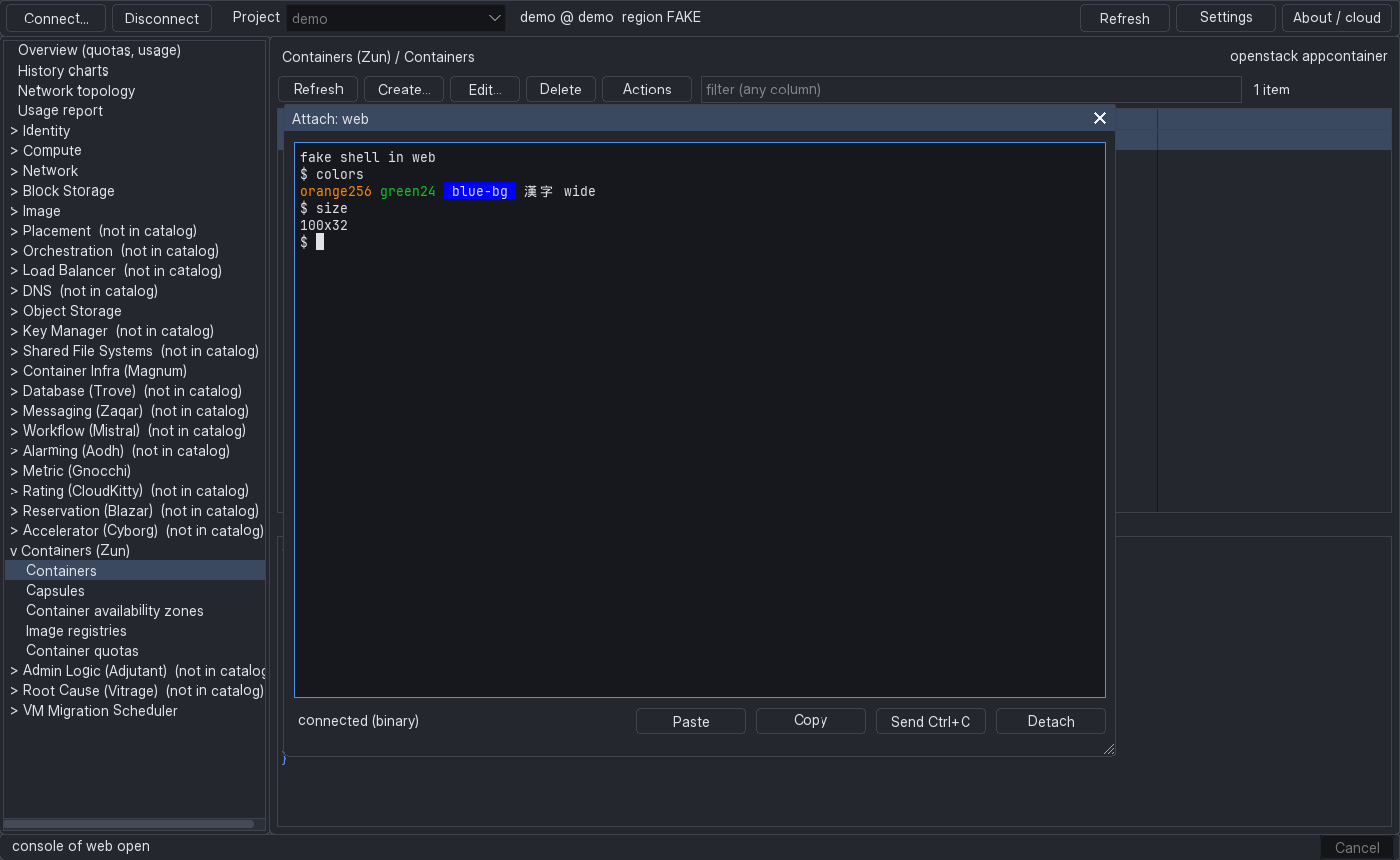
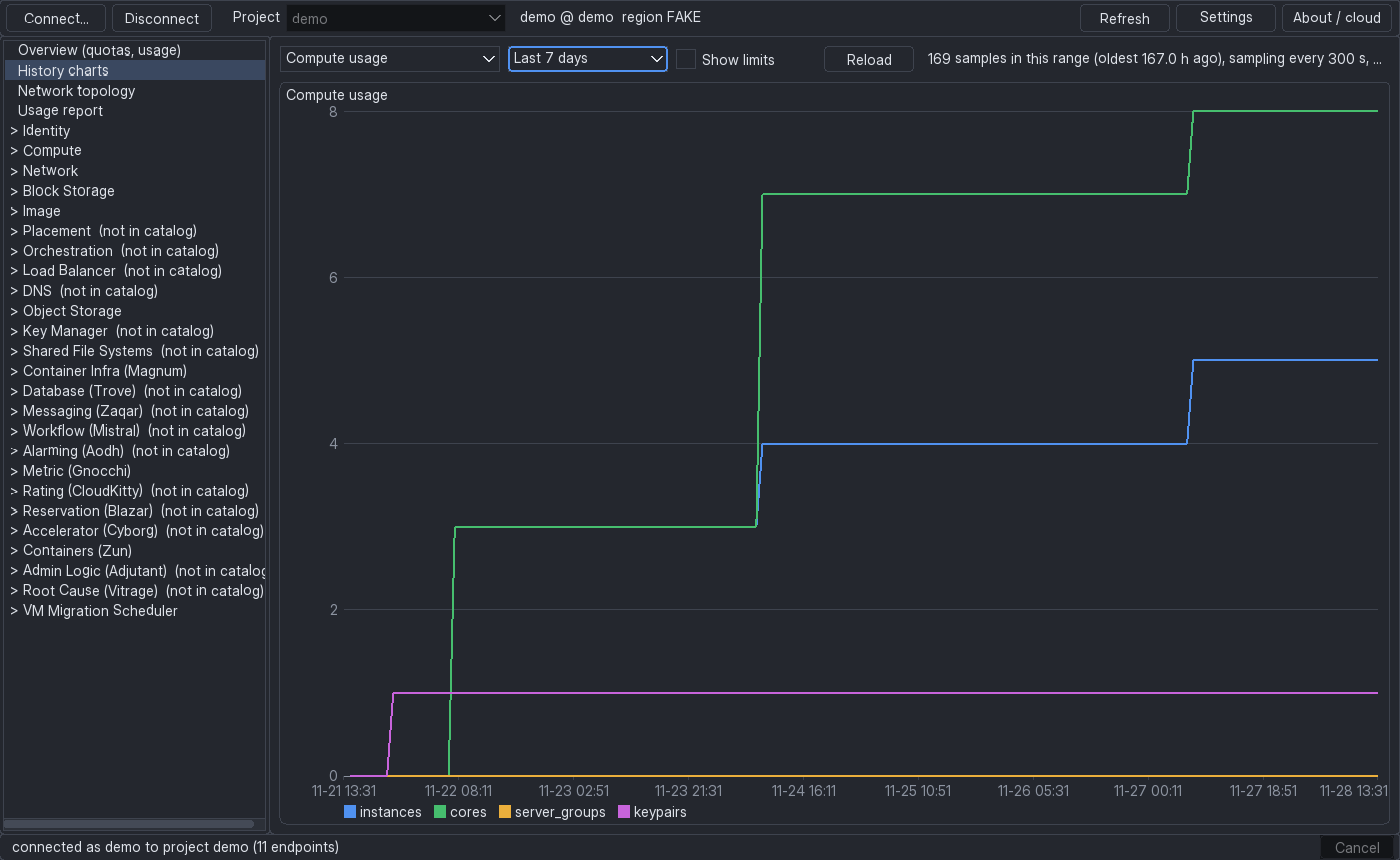
Every resource gets a sortable, filterable list, its detail and raw JSON, and create, edit and delete forms; every other operation is in an actions menu. A server wizard, a security group rule editor and windows for the commands made of several calls (project cleanup, container save, kubeconfig) sit on top. Quota gauges, a local usage history, the network topology and a usage report give charts, and an interactive terminal opens container and server consoles.
Profiles import openrc files, clouds.yaml or the environment; secrets stay in memory unless you ask for them to be stored encrypted. TLS is verified by default, through HTTP proxies too.
Downloads
| File | For | Size | SHA-256 |
|---|---|---|---|
| Linux .deb (Debian 13) openstackmanager_0.1.0-trixie_amd64.deb | Linux | 5.4 MB | 8c17f1a33fc7c875a61982d1521ce2a92f78f79facdf0ac2f82d93e06806c45c |
| Linux AppImage OpenStackManager-0.1.0-trixie-x86_64.AppImage | Linux | 7.2 MB | 0251bab5ffafbc147418892901b63bc966f44d1642431338980ba0d2247d8d00 |
| Windows installer openstackmanager-0.1.0-setup.exe | Windows | 7.1 MB | a40a640f0aa996e76accd33784b51a6dd5fd20f13fc6523c2a34c2a6d7d070b9 |
What is new
First public version.
- Connect with a profile, an openrc file, a
clouds.yaml(with its
secure.yaml) or theOS_*/OS_CLOUDenvironment; Keystone v3 password,
application credential or token; switch project from the toolbar. - Every command of the openstack CLI has a counterpart: lists, details, forms
and actions for every service your cloud offers, each showing the
equivalent command. - A server creation wizard, a security group rule editor, project cleanup,
container save, cluster kubeconfig. - Quota gauges, usage history, network topology and usage report.
- An interactive terminal for container attach and exec and for the serial
console of a server. - Movable and resizable layout, dialogs in their own windows if you like,
layout kept between runs, dark and light themes. - The same file chooser on Linux and Windows, with a folder tree you can
hide, file type filters, hidden files and New folder. The AppImage needs
nothing from your desktop but X11 and OpenGL. - HTTP proxies, TLS verified by default, secrets stored only on request and
encrypted.