
Half Moon November 2022
Security, coding,gaming, research,photography, various stuff
MagicLantern page updated with latest build and informations.
Go and check it here
If you use grep / egrep on a single file, it will display the matched patterns, but not the filename nor the line number.
This can be boring in case you encapsulate a grep / egrep call inside i.e a find:
find ./mydir -type f -name '*.msg' -exec grep 'mysearch' {} \;
In that case it will only print the match and you will not know in which file.
The trick is to add a dummy filename as a second file to search. Doing so will trick grep / egrep into thinking you are searching in multiples files, thus displaying the filename on each match.
/dev/null is the perfect target for the second dummy file as it will never match anything.
Example:
find ./mydir -type f -name '*.msg' -exec grep 'mysearch' {} /dev/null \;
Bonus / reminder:
In grep / egrep use the -n option to also display the match line number
Example:
find ./mydir -type f -name '*.msg' -exec grep -n 'mysearch' {} /dev/null \;
#sysadmin #tips #tricks #grep #egrep
If ever you have to remove a commit from a pushed pull request, here is a simple way to do it. Bonus: it's not adding a commit for the removal.
First be sure to be on the good branch
git checkout target-pull-request-branch
Then have a watch at the PRs commit tab and note the commits hash you want to remove (one or more)
Replace X by that number in the following command, which will make and interactive rebase for the X last commits
git rebase -i HEAD~X
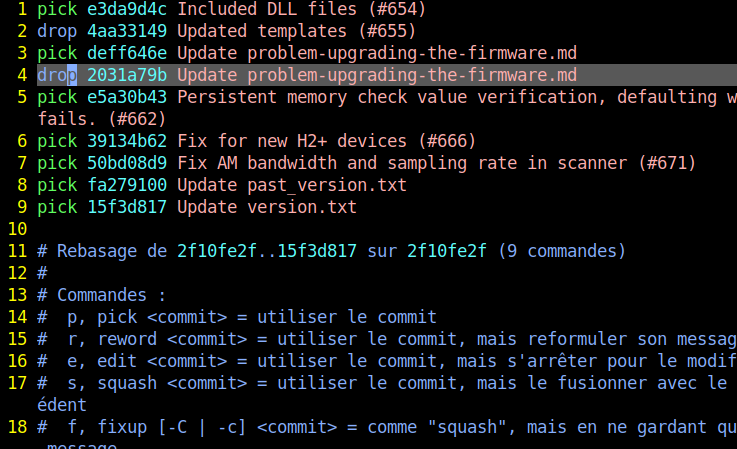
You are now going to have an interactive text view, in which all the aimed commits are preceded by the word 'pick'
Using the view like a text editor, replace the 'pick' word by 'drop' on the lines containing the targeted commit's hashes .
Exemple
Replaced pick with drop for commits 4aa3149 and 2031a79b:
Save and exit
In my case vim was the default text editor, so here you go escape colon w q
Push force the rebased repository
git push --force
This will remove the targeted commits and the only trace will be in the PR comments. The commit page will look like the rebased one, without the discarded commits nor a mention to them.
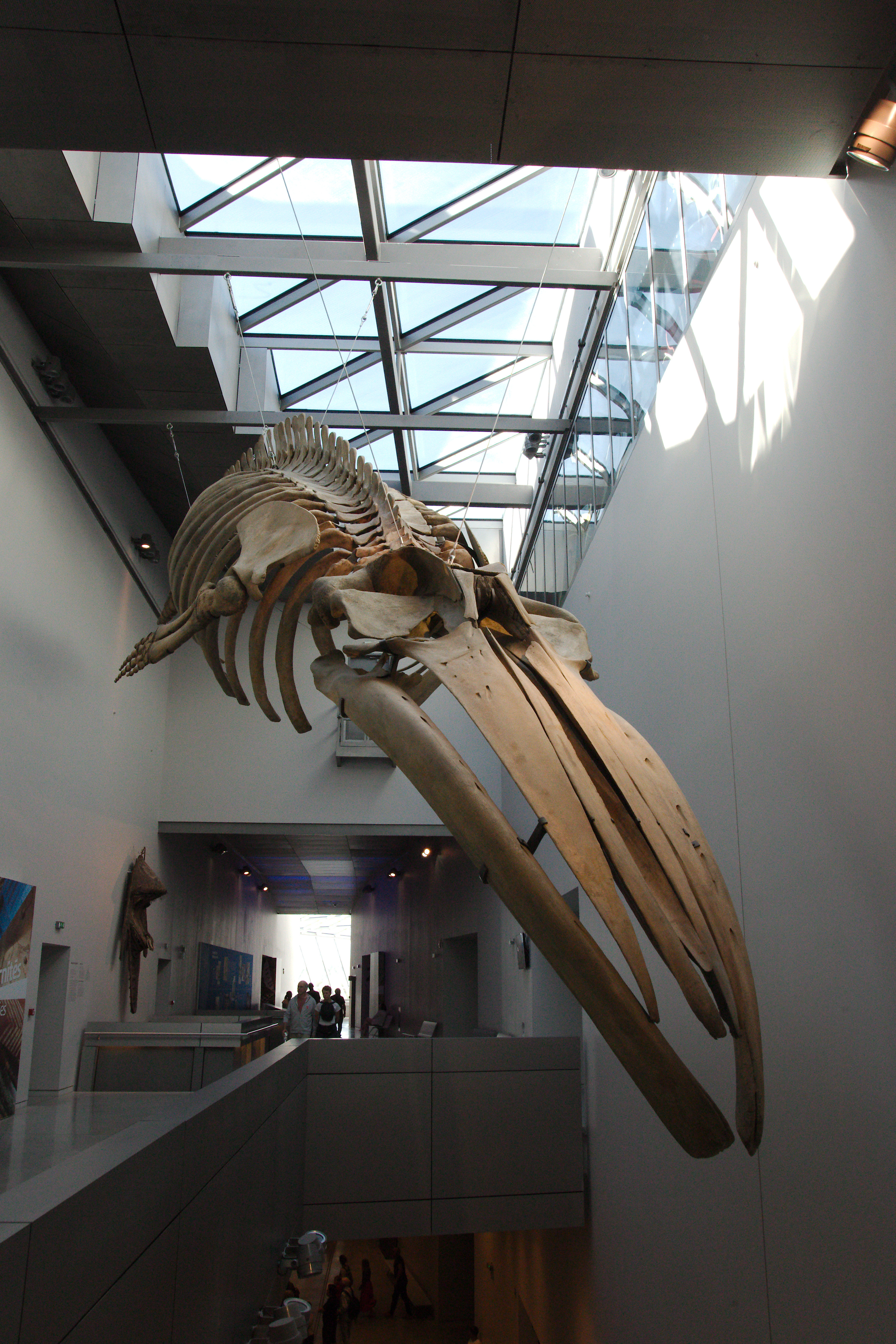
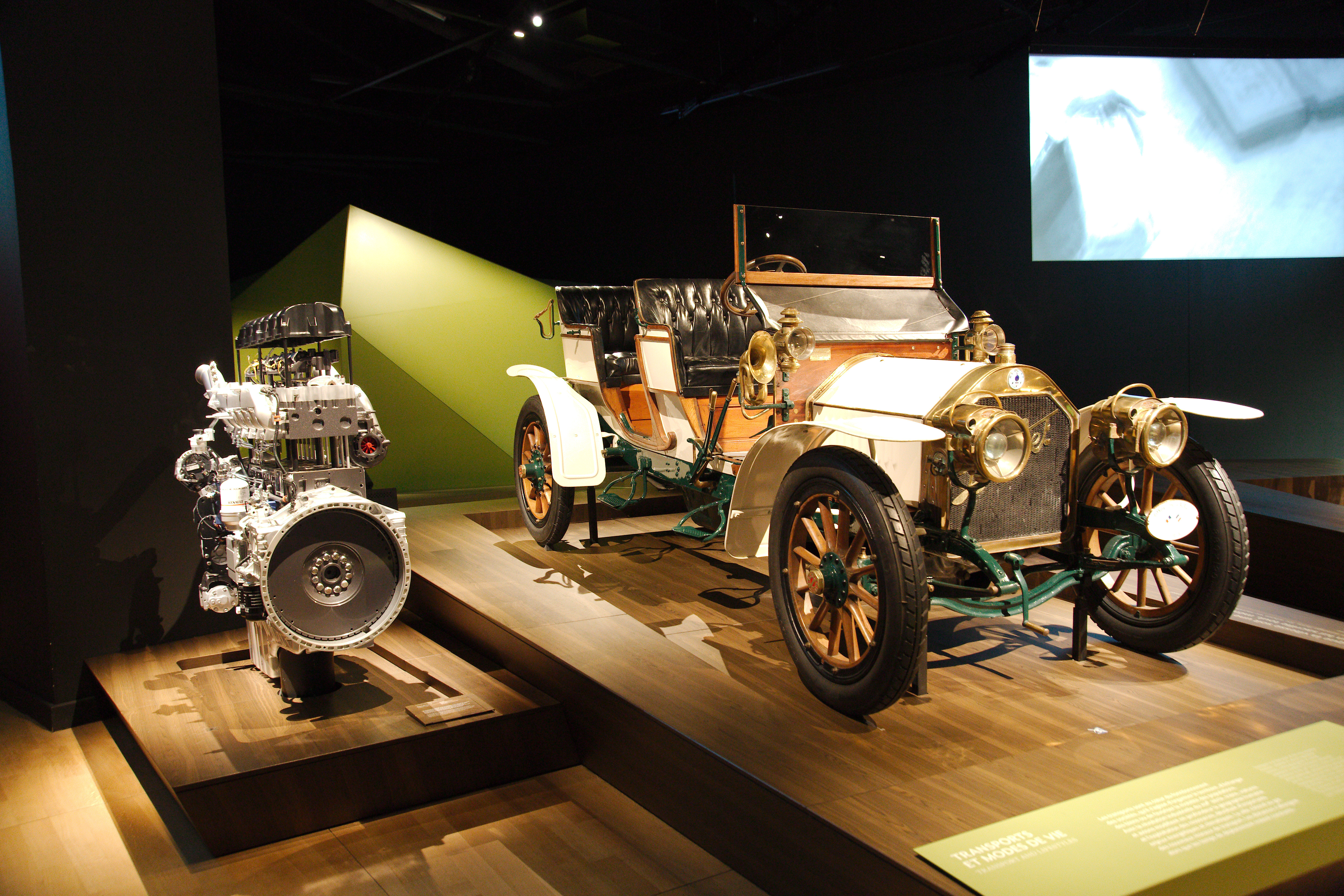
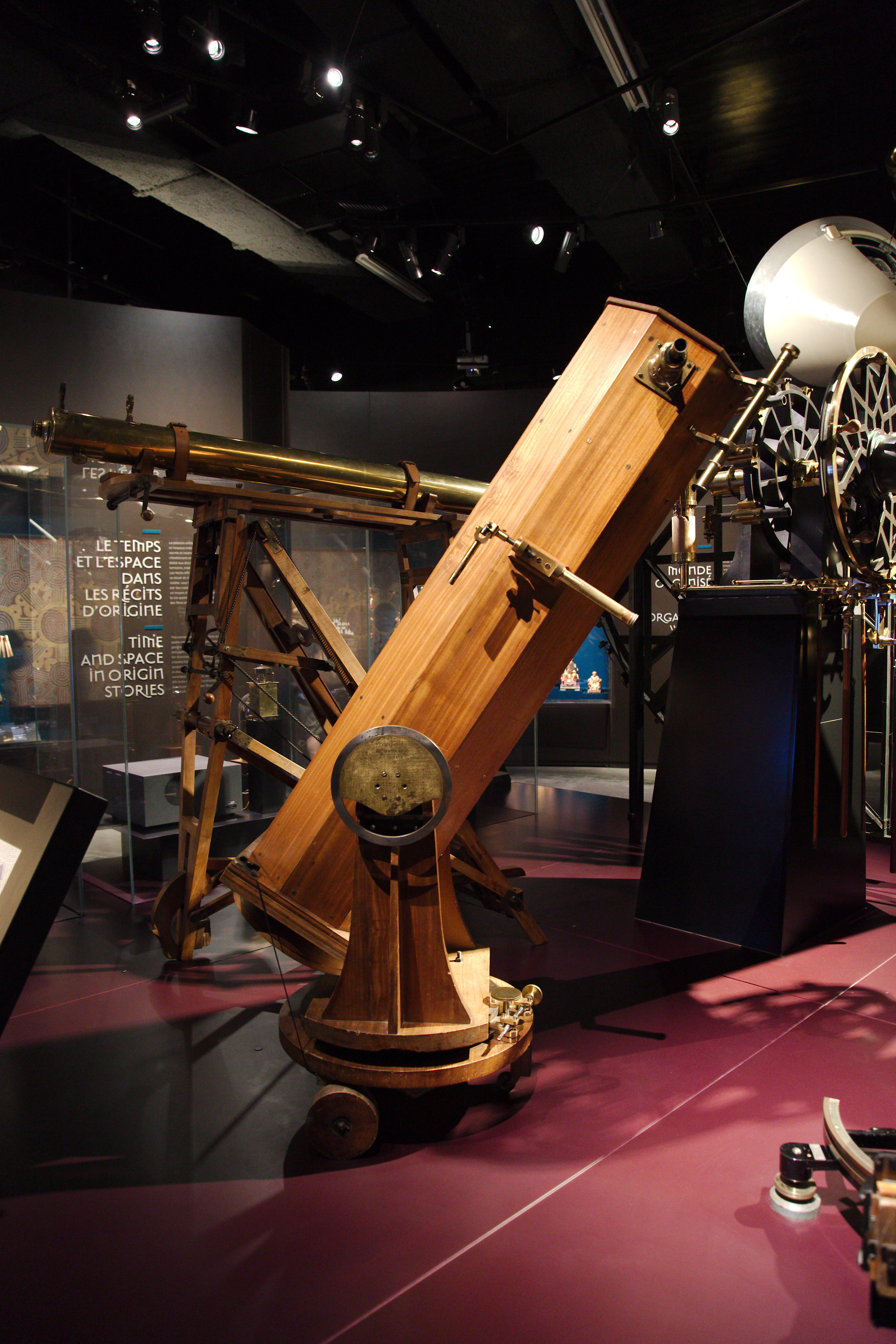
Wonderful museum to visit.
Official website: https://www.museedesconfluences.fr/en
A few photos from the expositions:





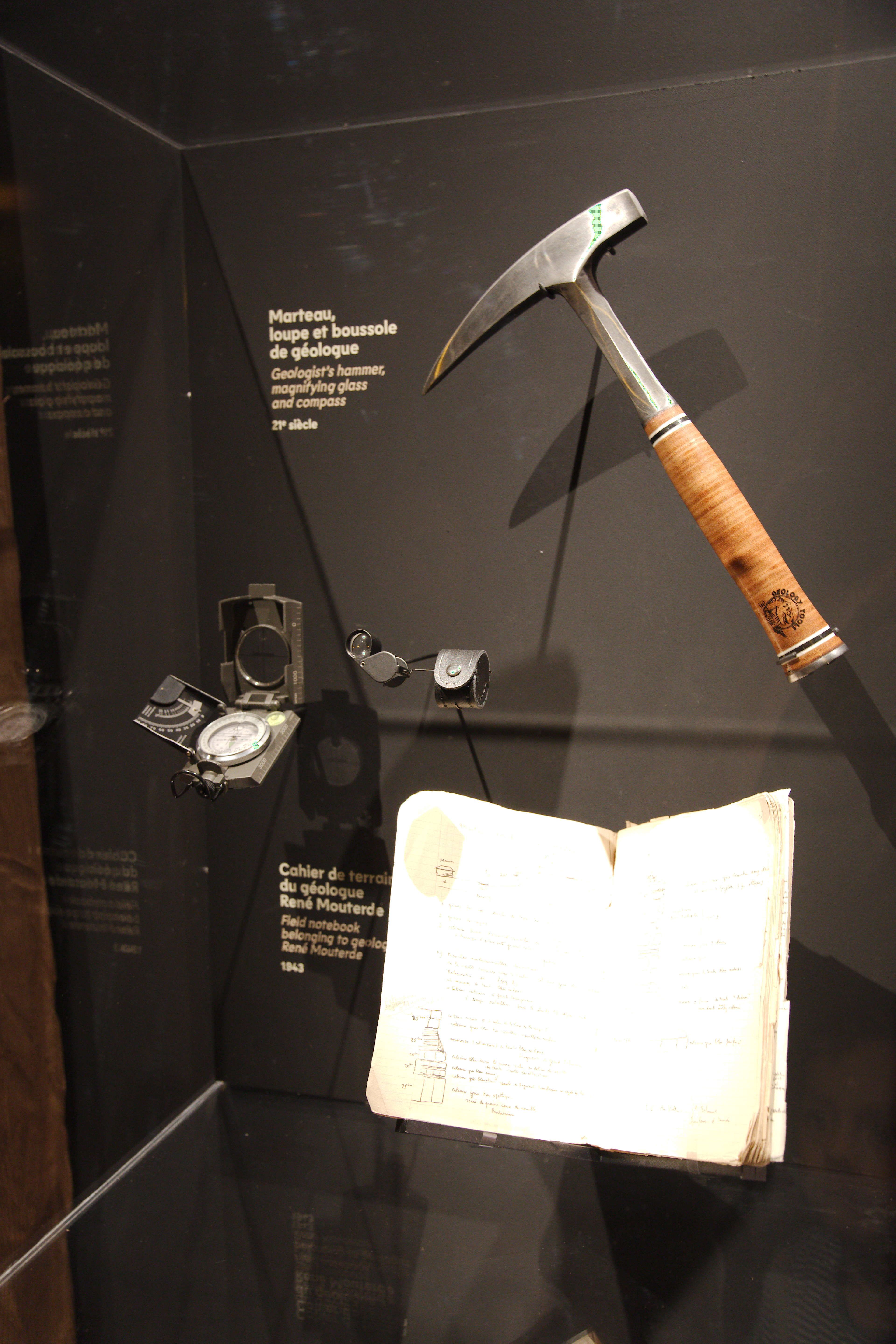
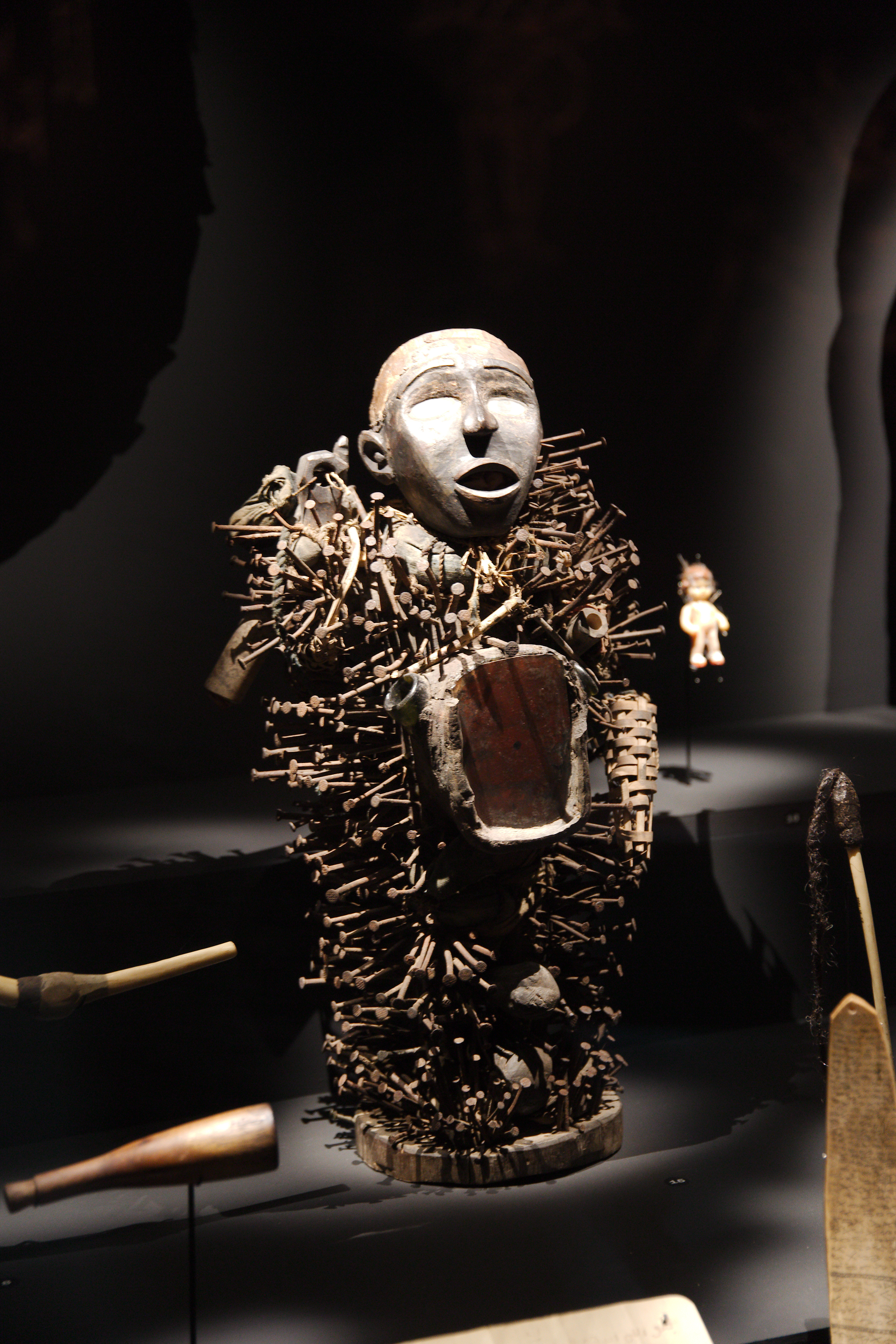
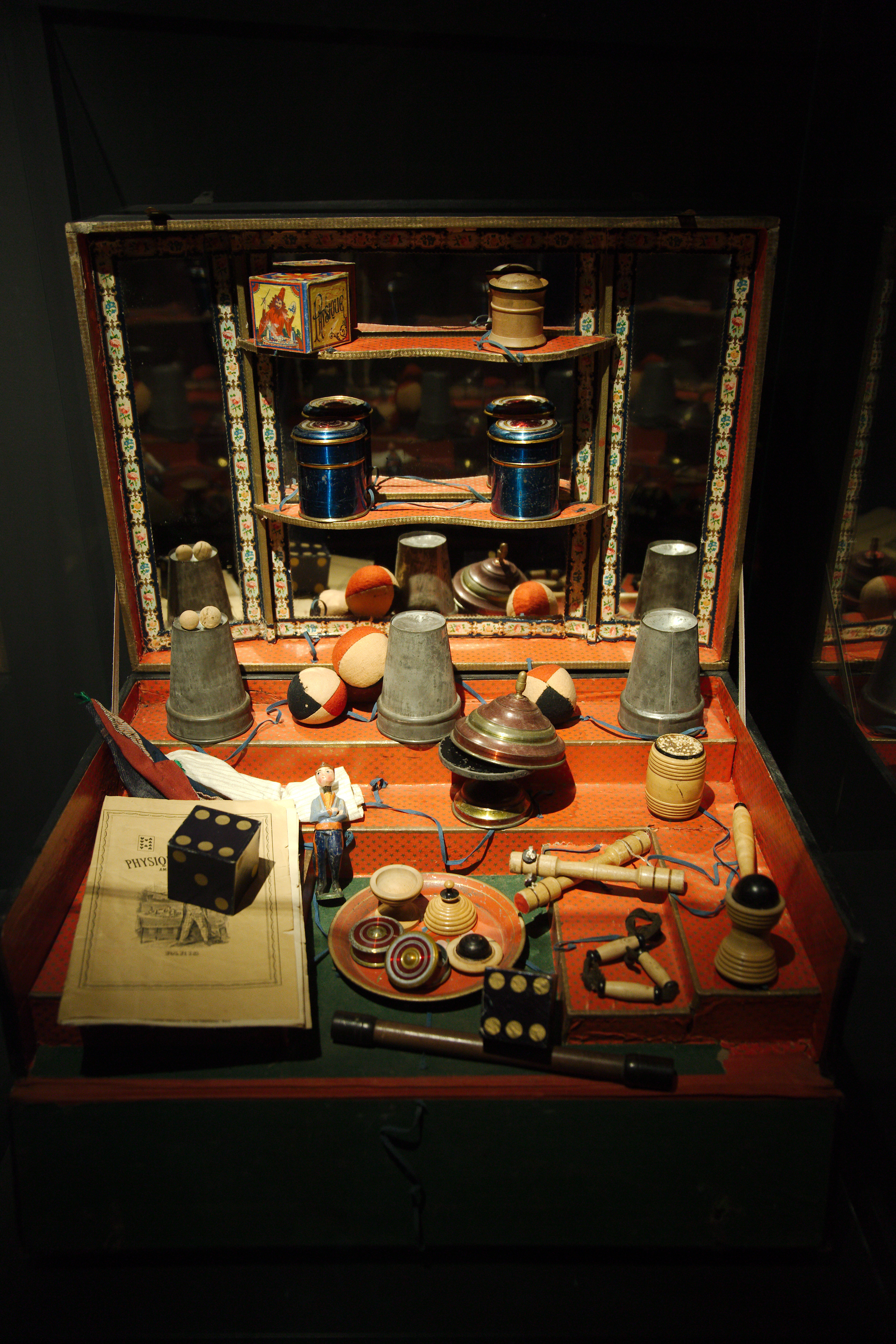
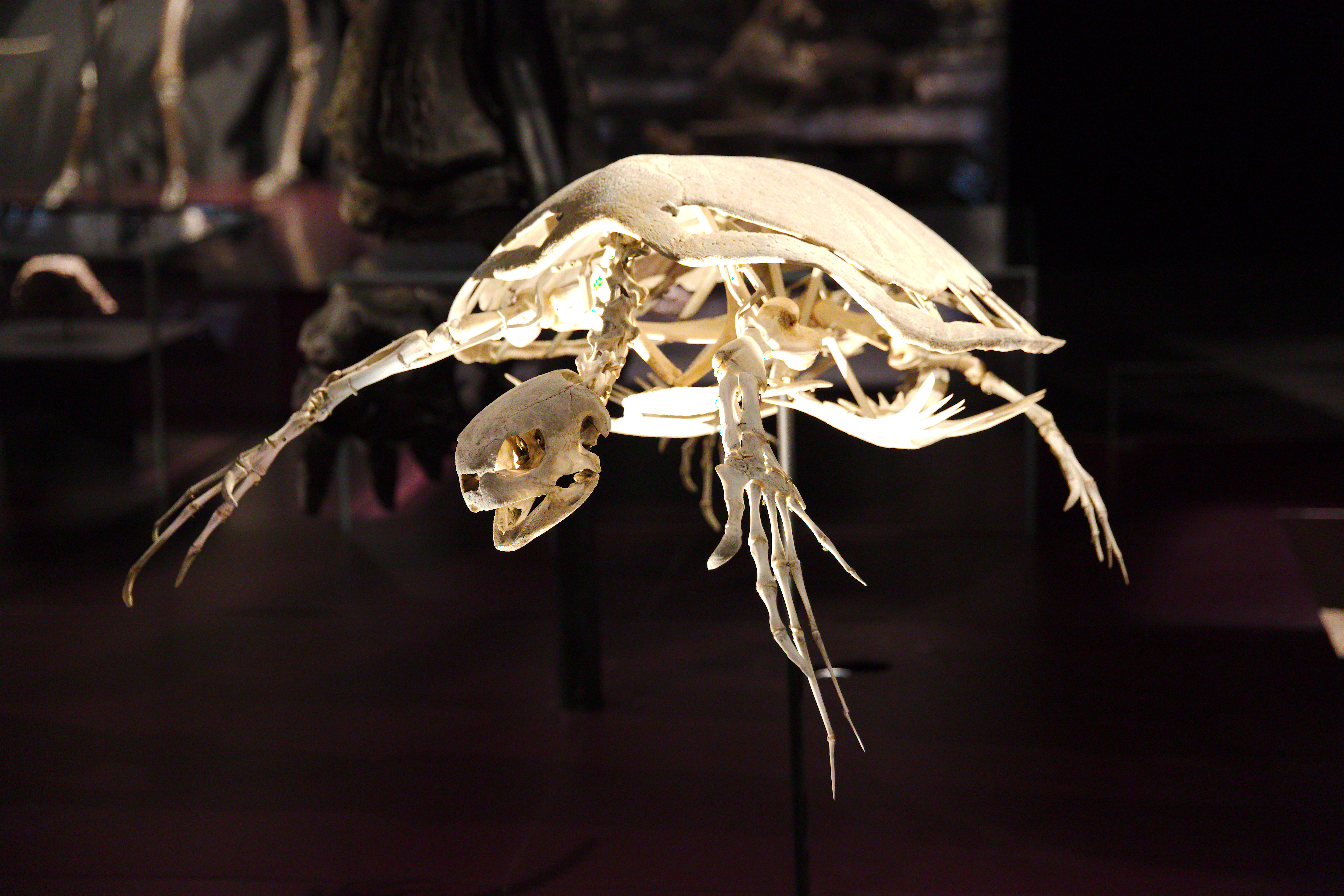
#Museum #Photography #Dynosaurs #Humanity #History
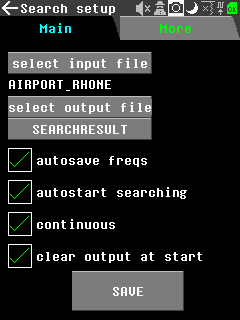
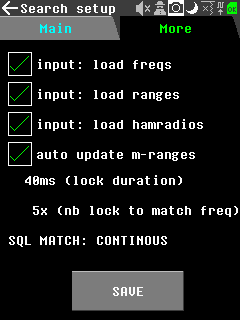
The Recon app is now ready for integration.
You can check the PR here: https://github.com/eried/portapack-mayhem/pull/711
The documentation/list of features/screen is here:
https://github.com/portapack-mayhem/mayhem-firmware/wiki/Recon
Test binary available here:
#portapack #mayhem #recon #app #firmware
KAFKA is in all mouths these days. So I share here, also as a reminder for me, a couple of #KAFKA ressources that looked helpful to me.
TLDR:
Do not use KAFKA for:
-“Little” Data flows (overkill)
-Streaming ETL (handling transformation is a hassle)
-Store and process large files (images, videos, proprietary files, etc.)
https://www.upsolver.com/blog/apache-kafka-use-cases-when-to-use-not
https://kafka.apache.org/intro
https://docs.confluent.io/kafka-clients/librdkafka/current/overview.html
https://docs.confluent.io/platform/current/clients/librdkafka/html/md_INTRODUCTION.html
I was reading a changelog from a library I love (unrelated but here is the link: https://liballeg.org/ ) and I stumble upon that change:
"Use clock_gettime with CLOCK_MONOTONIC instead of gettimeofday (check-switch-26)"
Then I did a bit of research on the topic, and found a good explanation here:
https://blog.habets.se/2010/09/gettimeofday-should-never-be-used-to-measure-time.html
TLDR: if you use gettimeofday to time things then your program may be affected by time shift, because gettimeofday is not monotonic. if you do not care about the date and only about elapsed time, use clock_gettime.
See https://www.nilorea.net/hackrf-portapack/ for latest version
A lot of us already know the excellent https://openclassrooms.com/fr/
There is also, in a more game dev oriented way, https://www.codingame.com/start or https://codecombat.com/
Learning is fun, but it it even funnier if you're learning while gaming ;-)
If ever you try to make a table with a single <td> matching more than one line using rowspan, your css that was using nth-child to customize each column is working badly. Only the first line of each rowspan is correctly recognized by the nth-child. All other lines are all shifted by one.
That's because the css engine is not taking in accound the rowspan attribute.
Solution:
In my case it was to add all the <td> hidden by the rowspan like <td style="display:none"> so they are here for the css engine to count properly, but not displayed at all.