https://www.commitstrip.com/fr/2021/06/22/it-haunts-us/
#code #refactoring
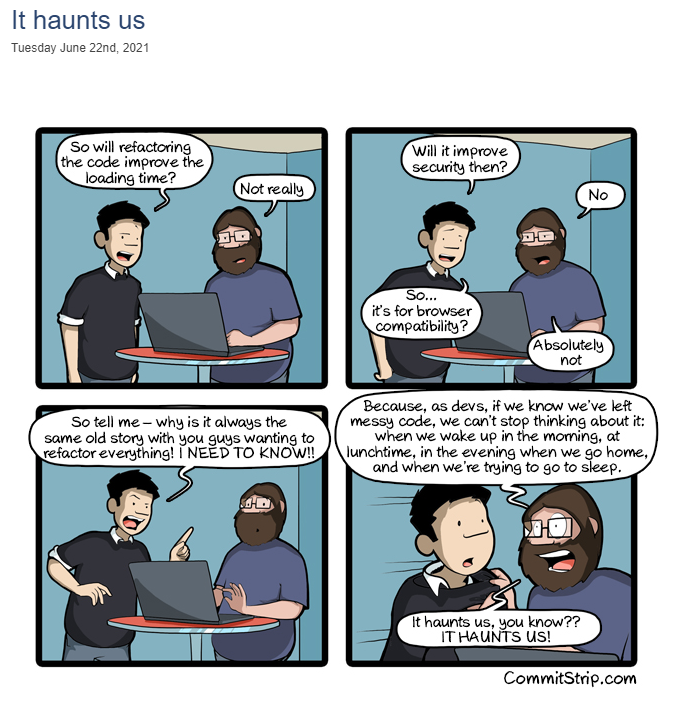
https://www.commitstrip.com/fr/2021/06/22/it-haunts-us/
#code #refactoring
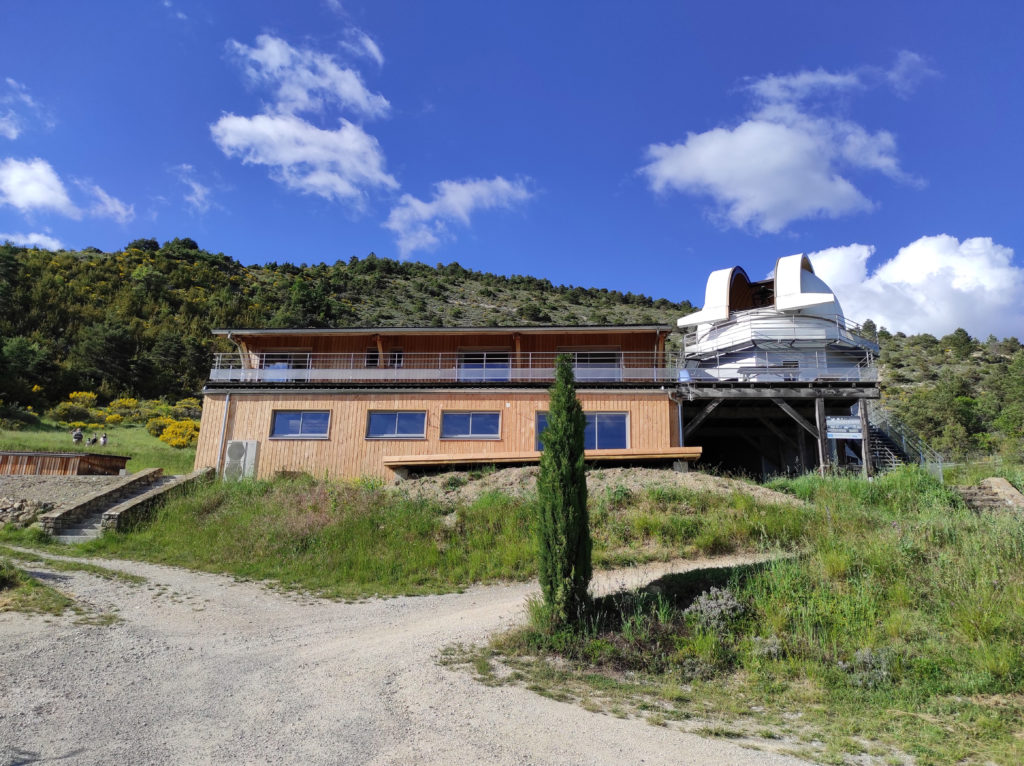
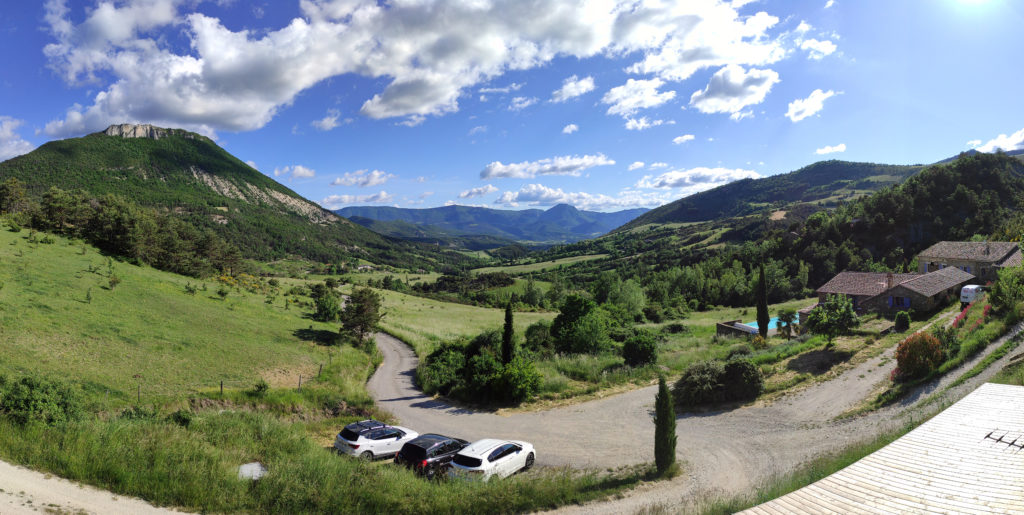
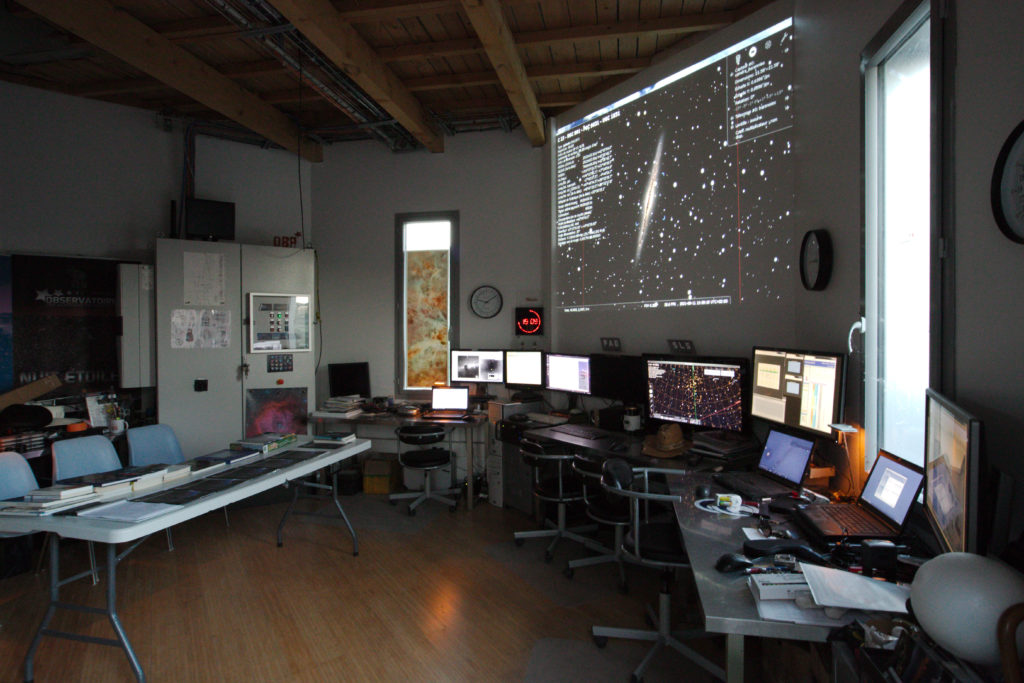
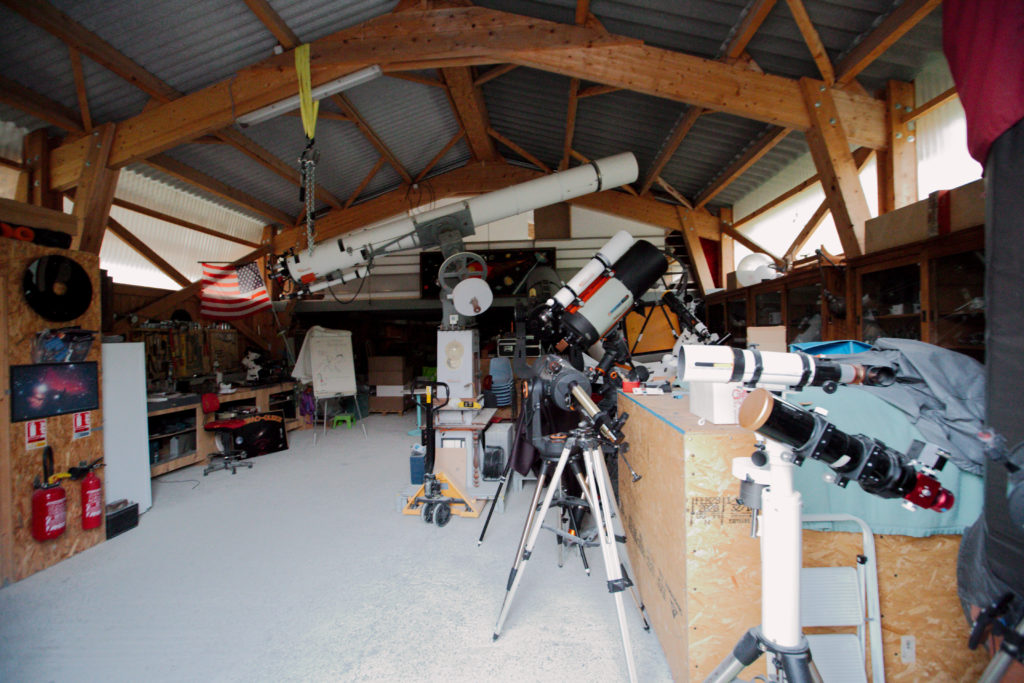
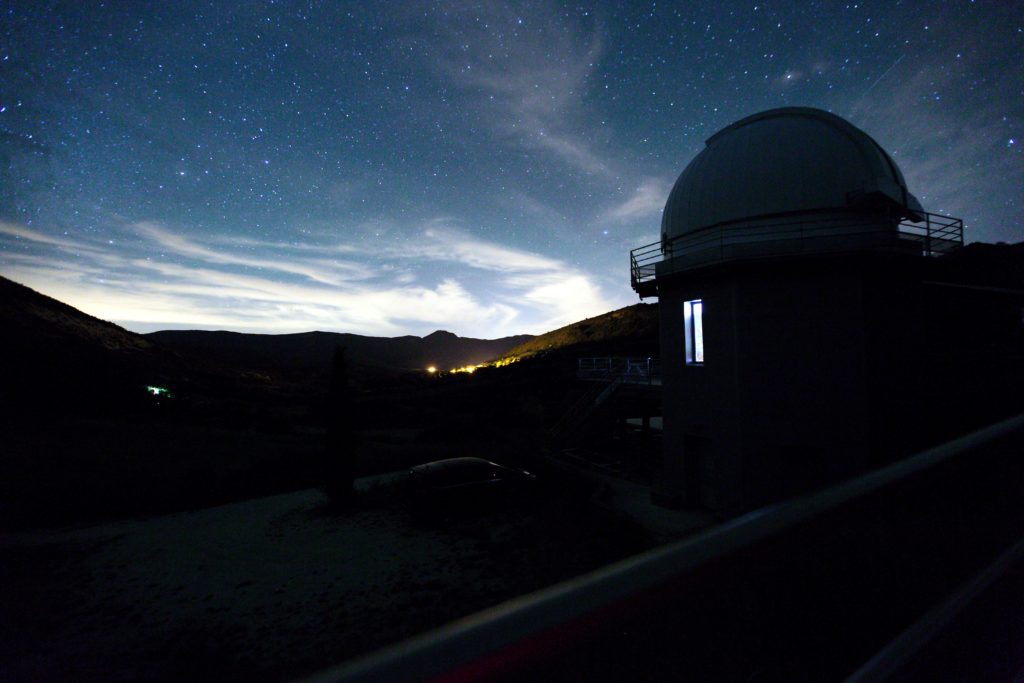
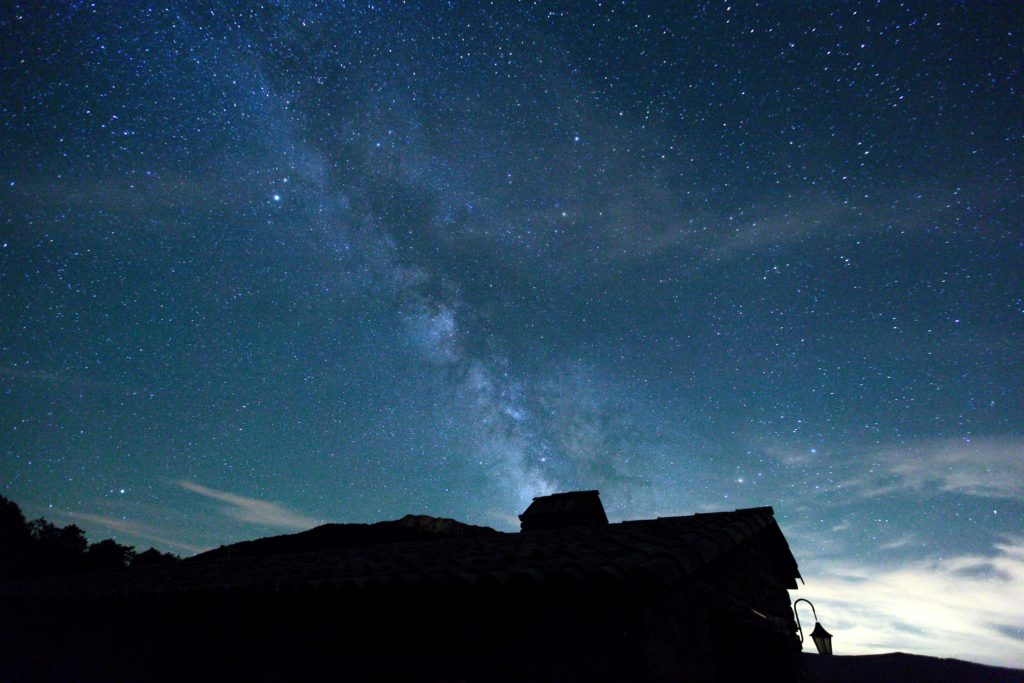
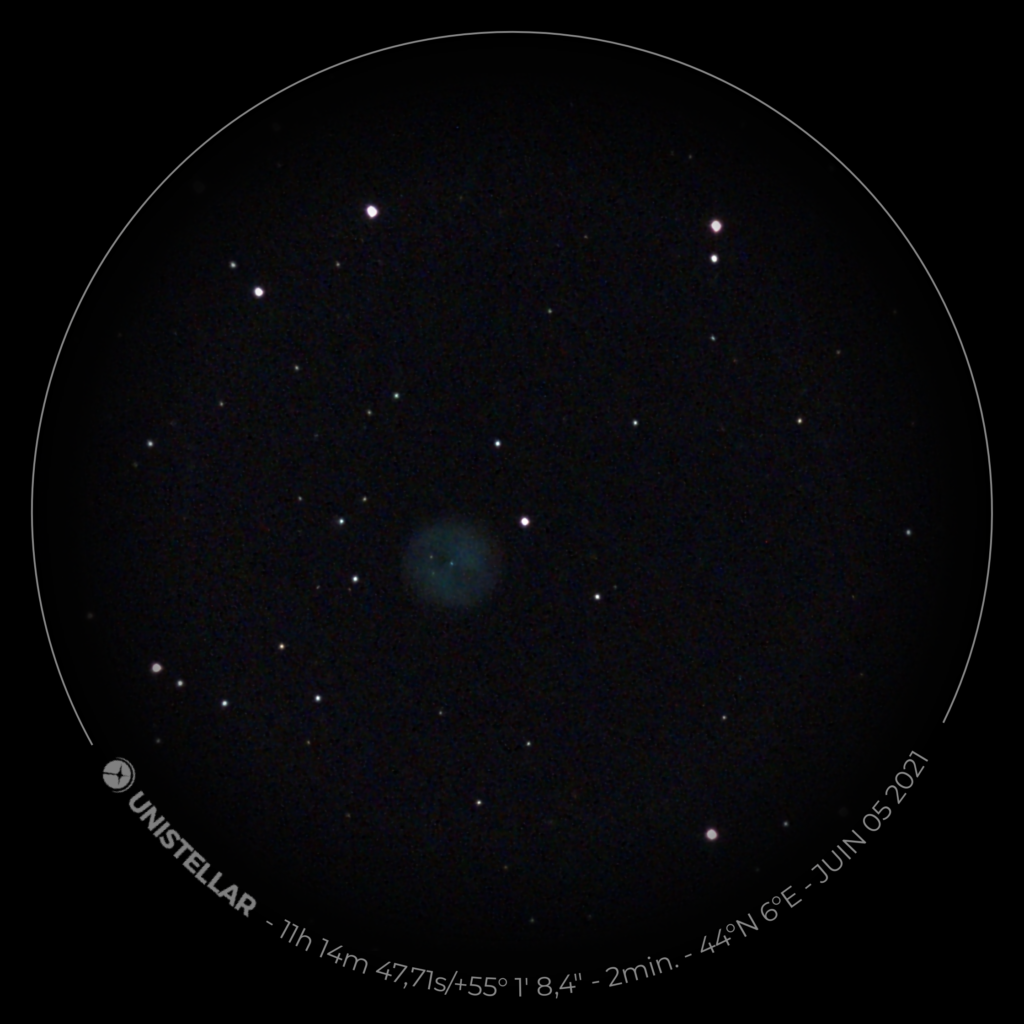
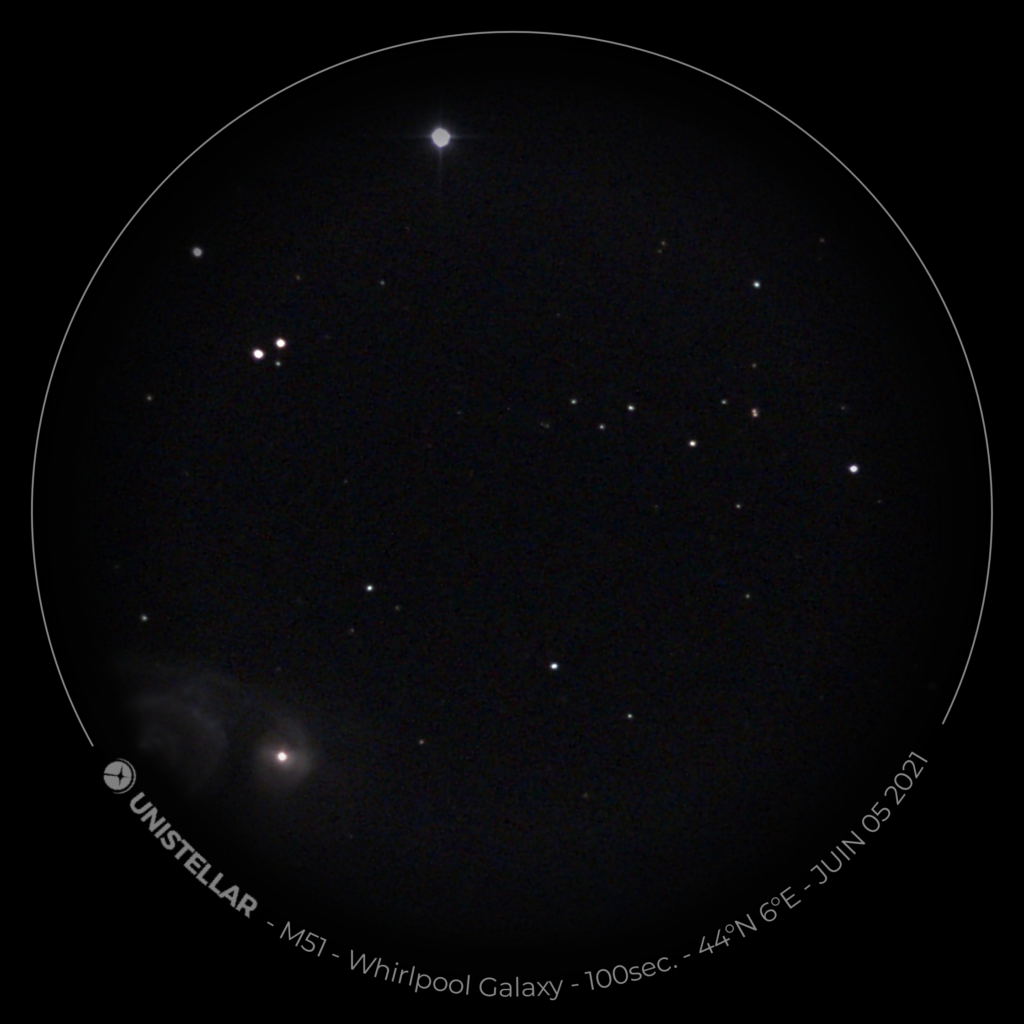
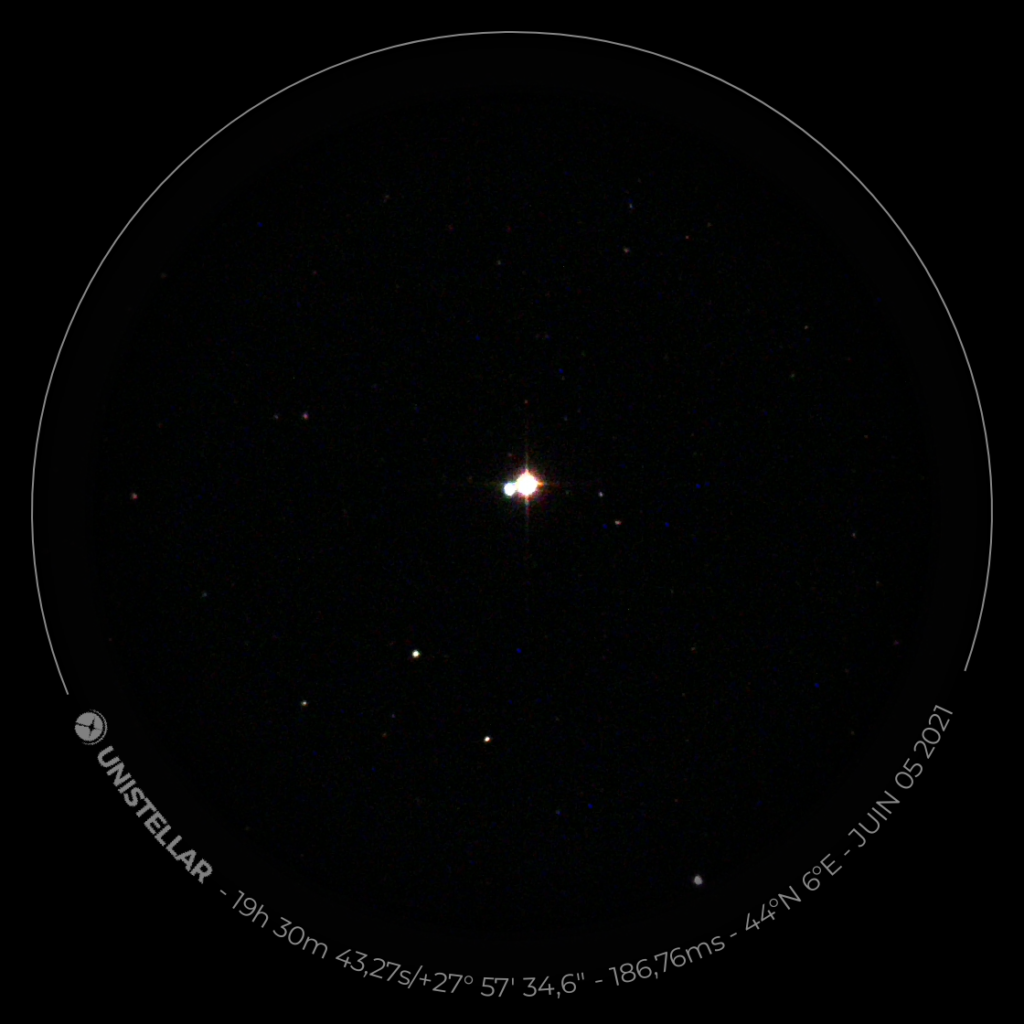
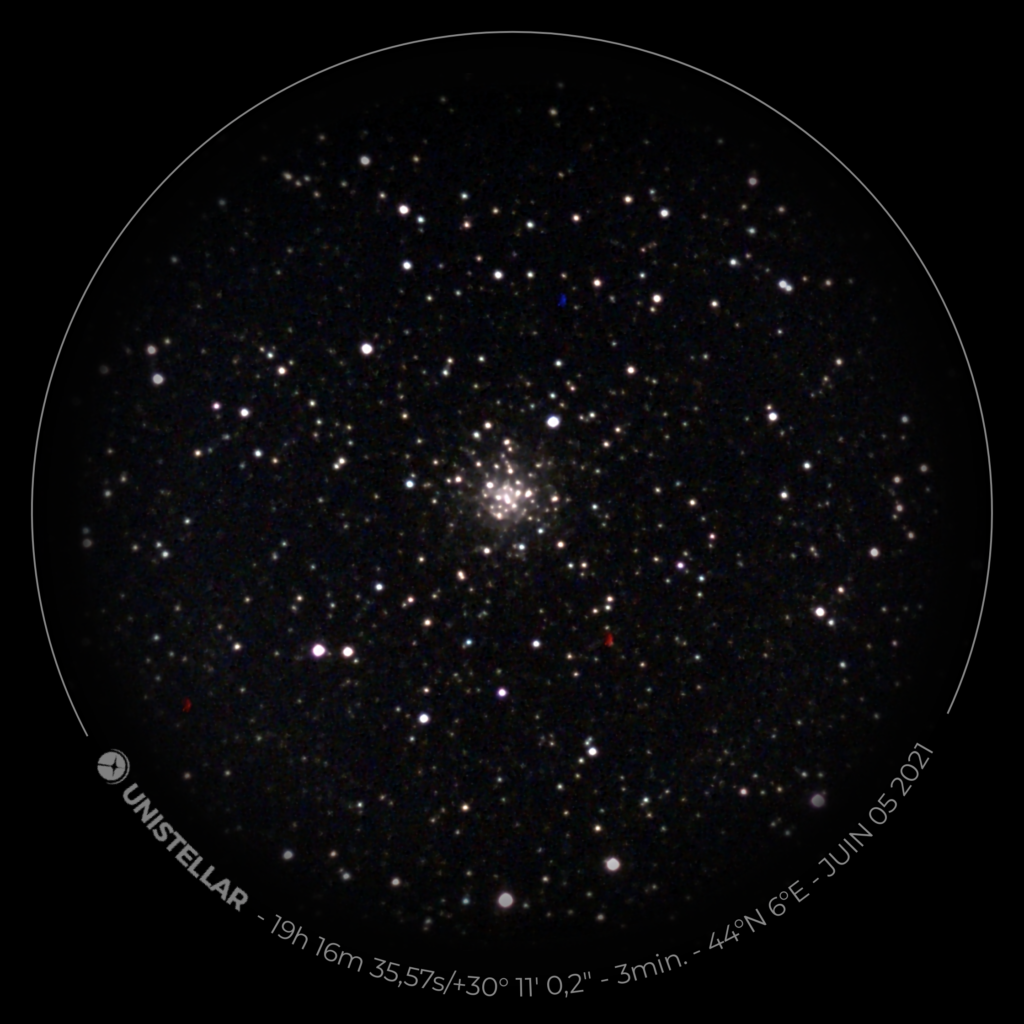
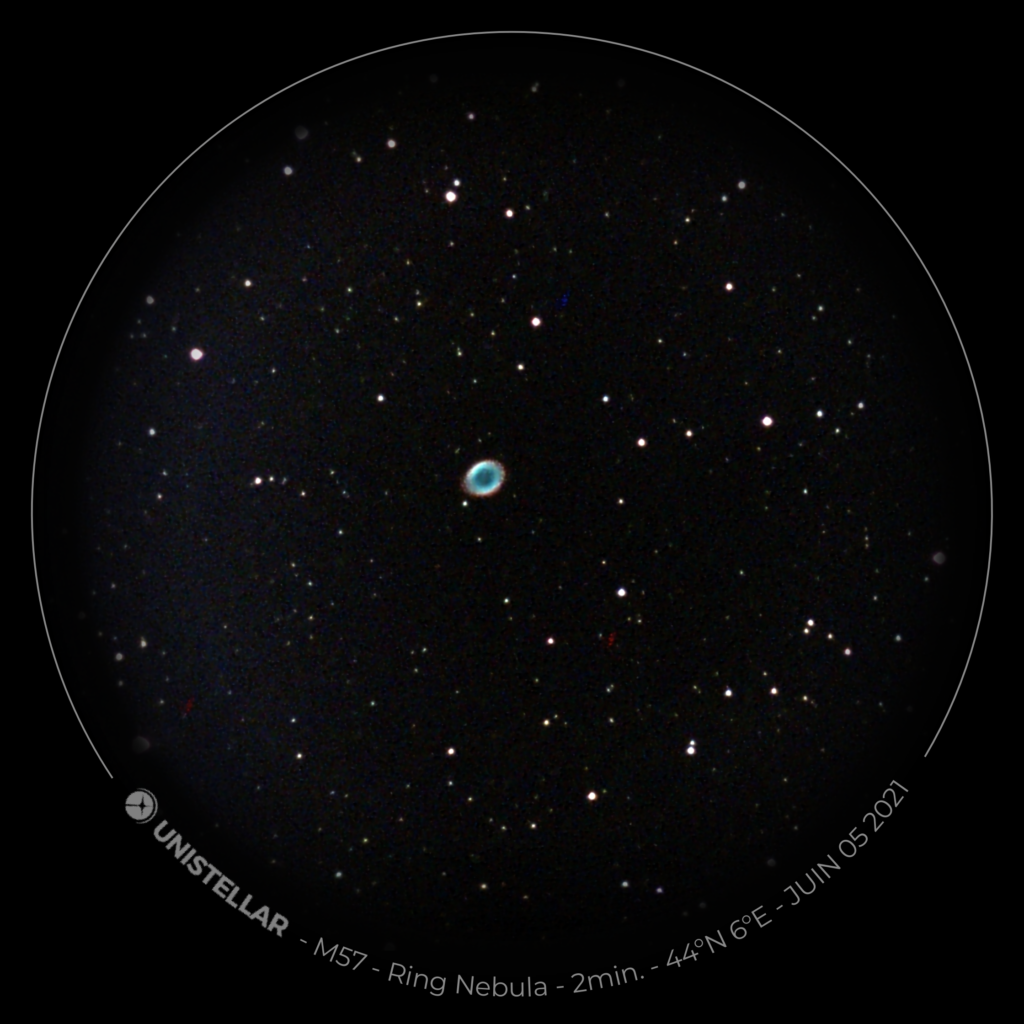
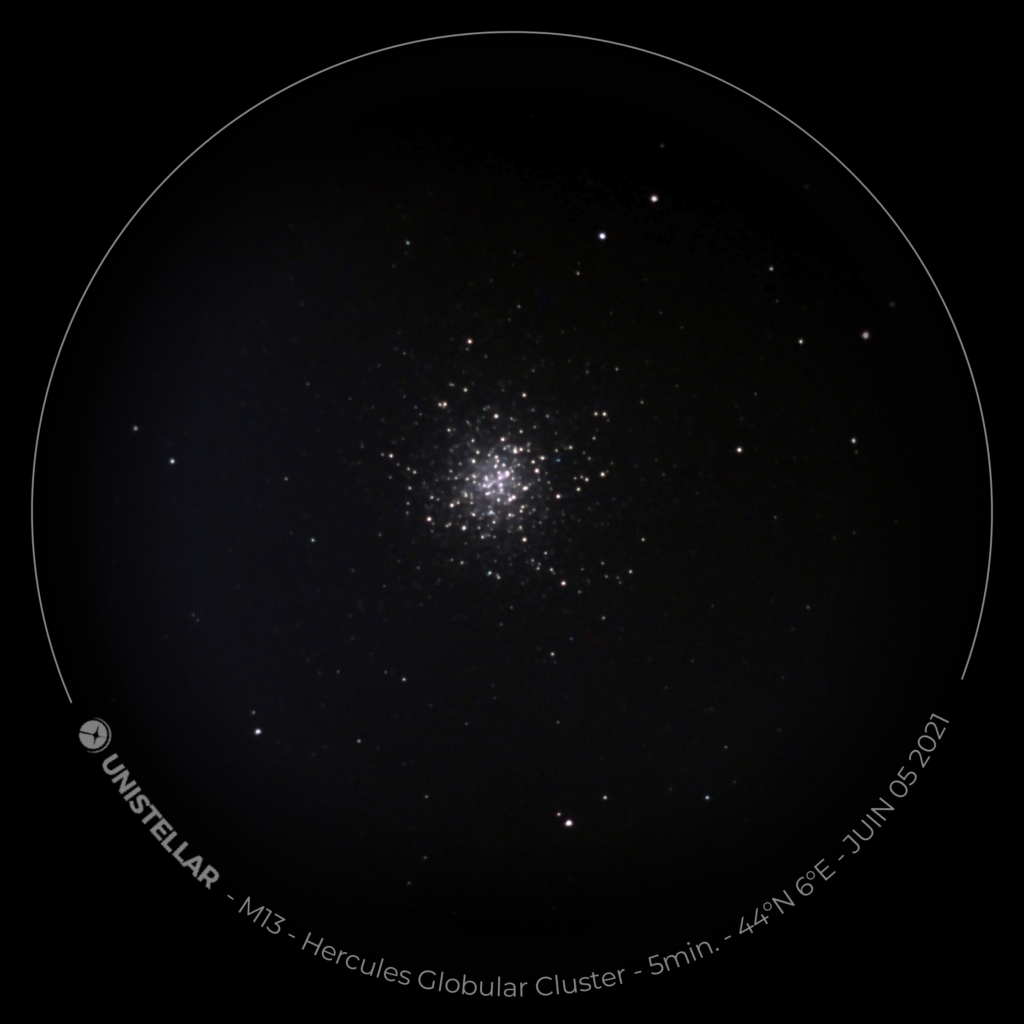
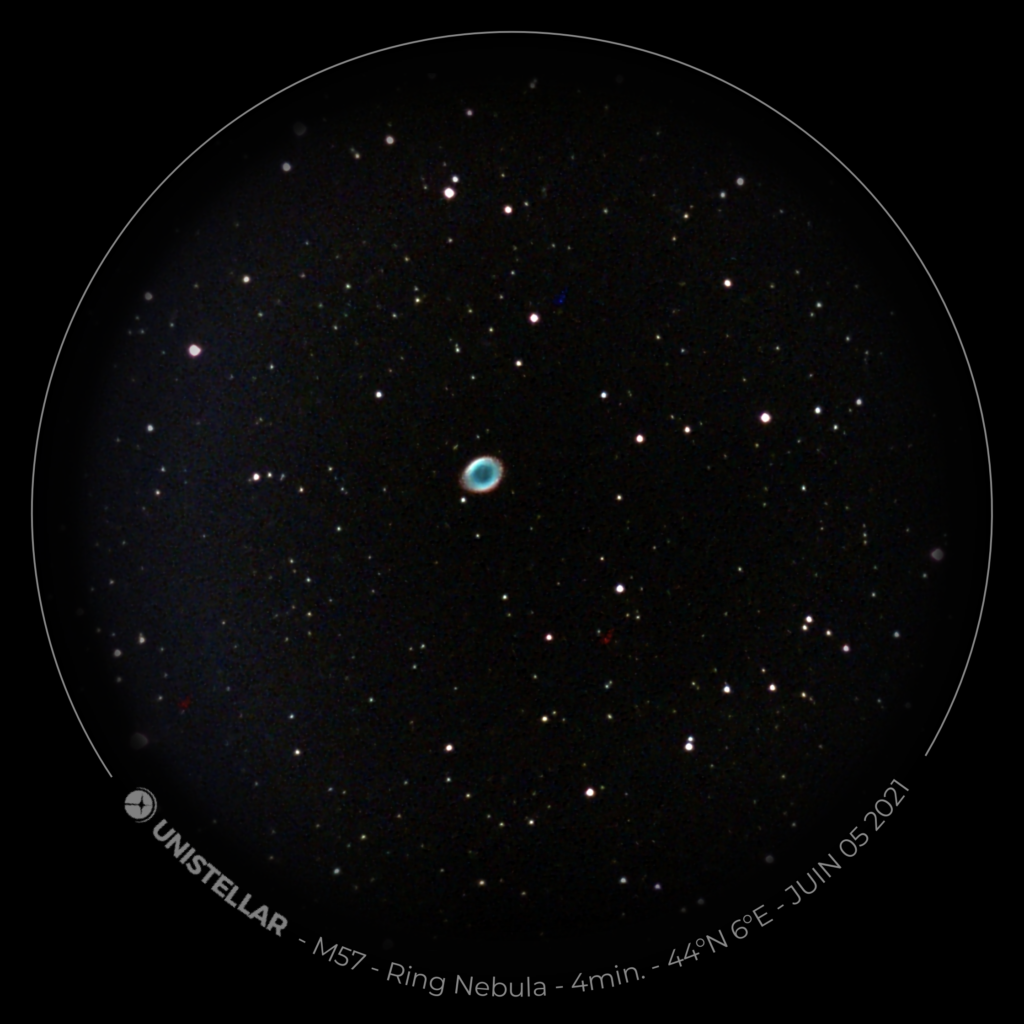
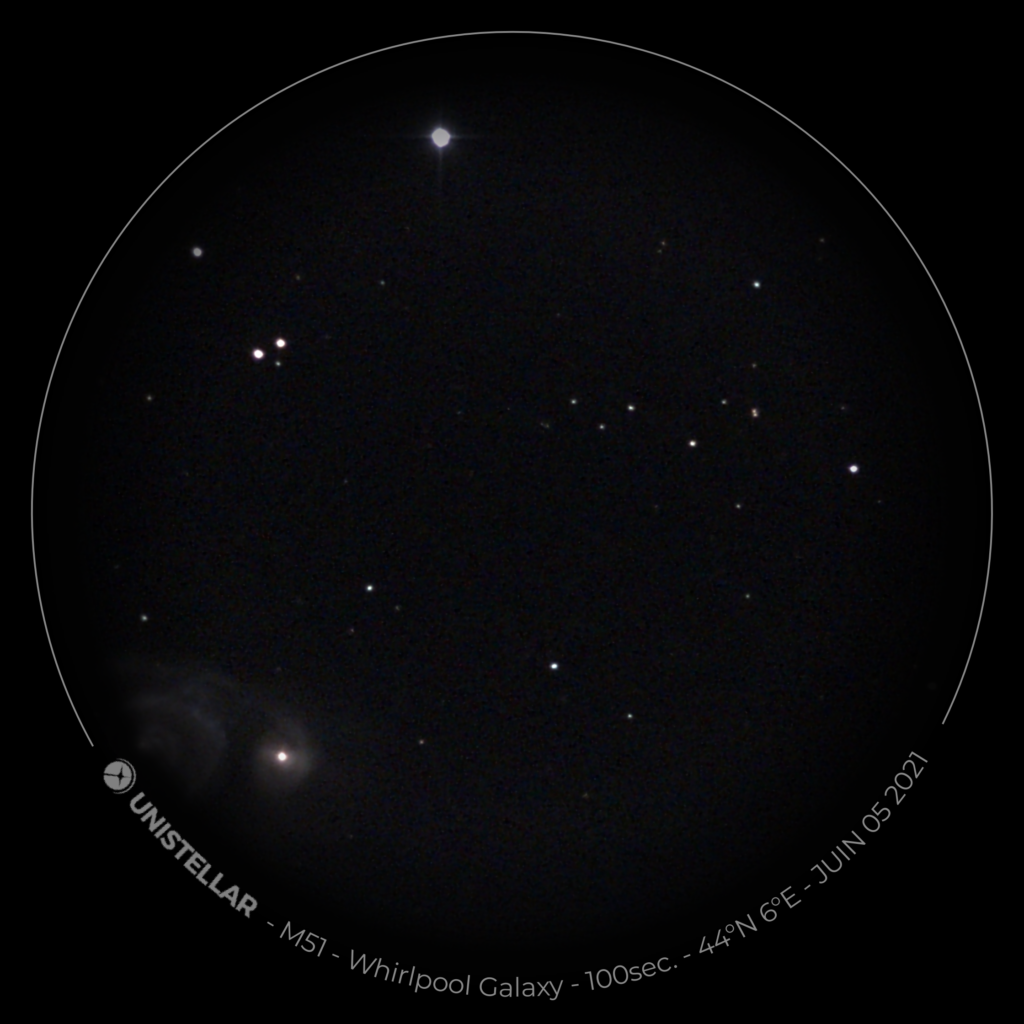
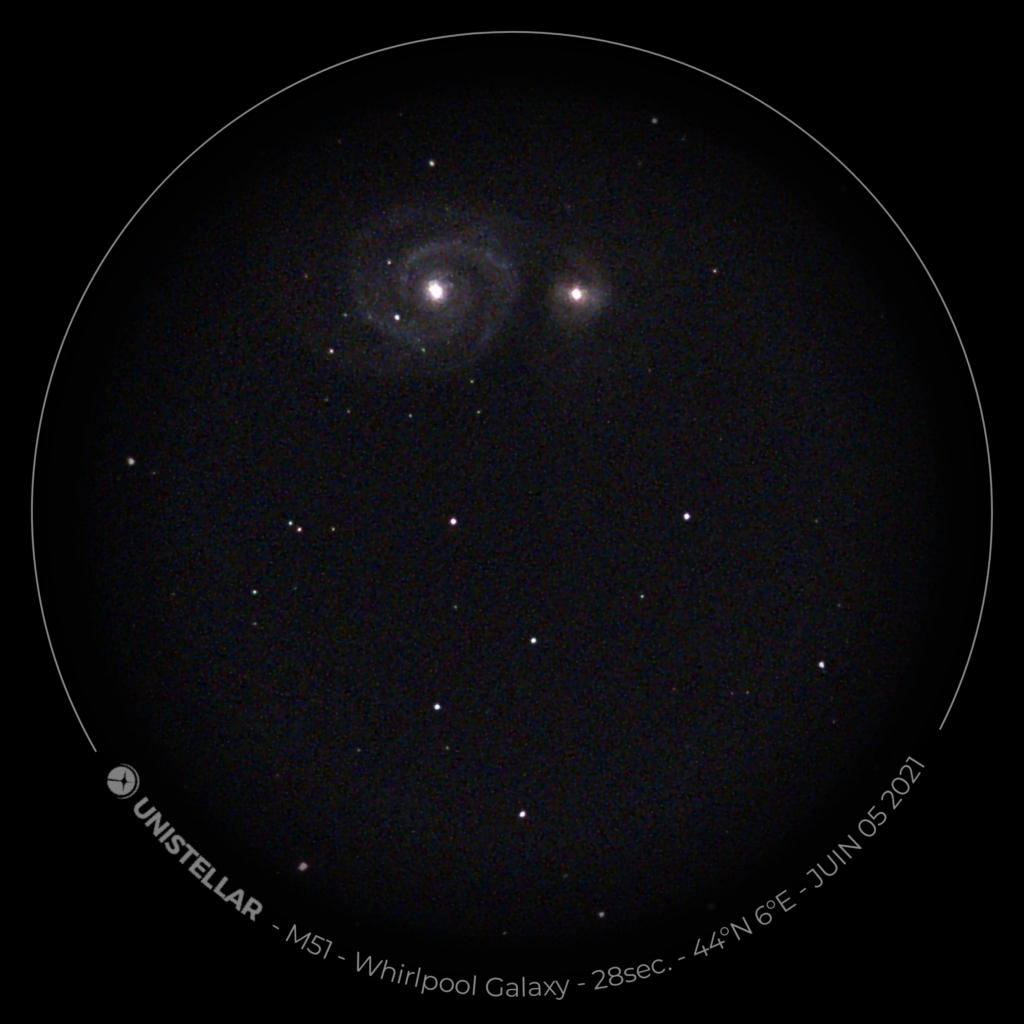
I had the chance to have a night at a space observatory in France. And luckily, there was not that much clouds. Here are the few photos of the site, the equipment, and a few last I made with their mounts.
The Team who was guiding us during the night was very kind and they drove us into the cosmos late in the night.
Not only they were good at explaining, they were also trying their best to make the visitors think by themselves before giving the correct answer.
An experience I recommend.
L’Observatoire des Baronnies Provençales:



Wide night shots around the observatory:









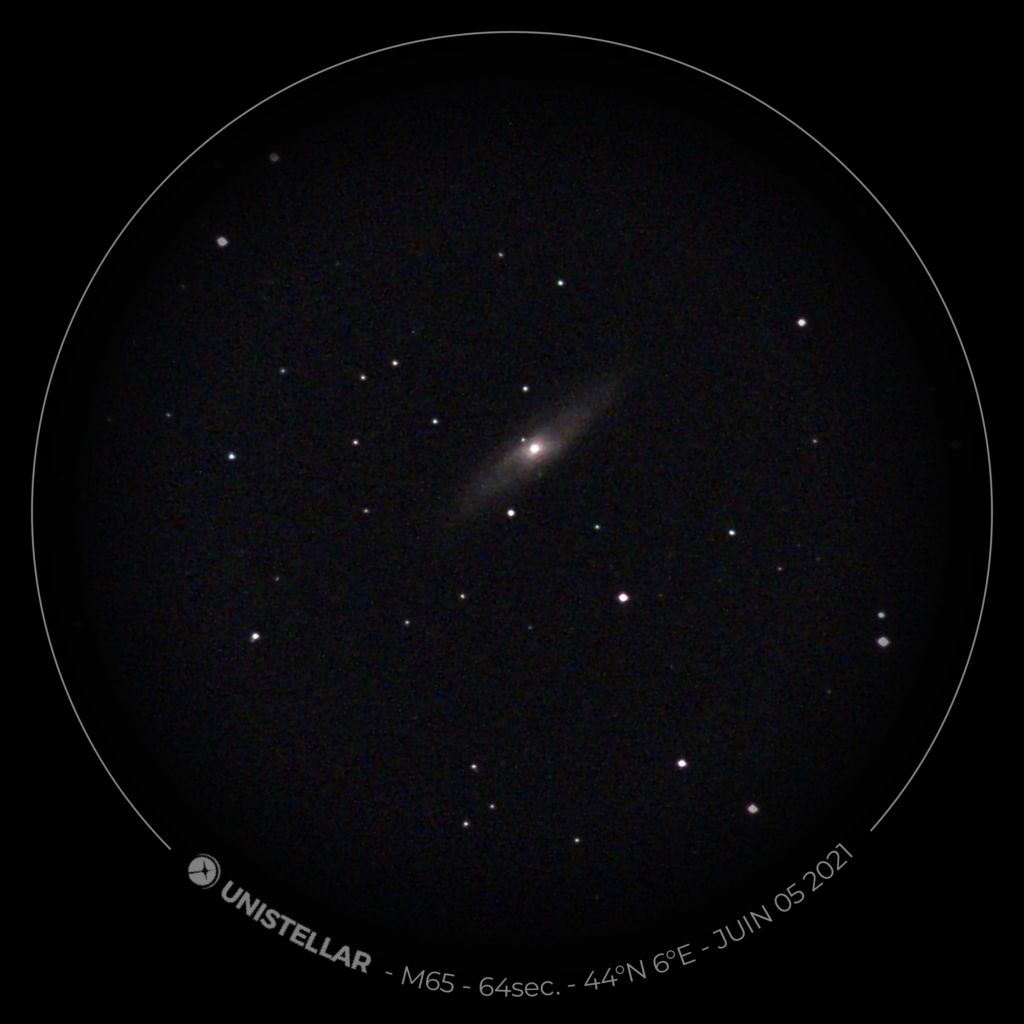
EZScope Unistellar shots:
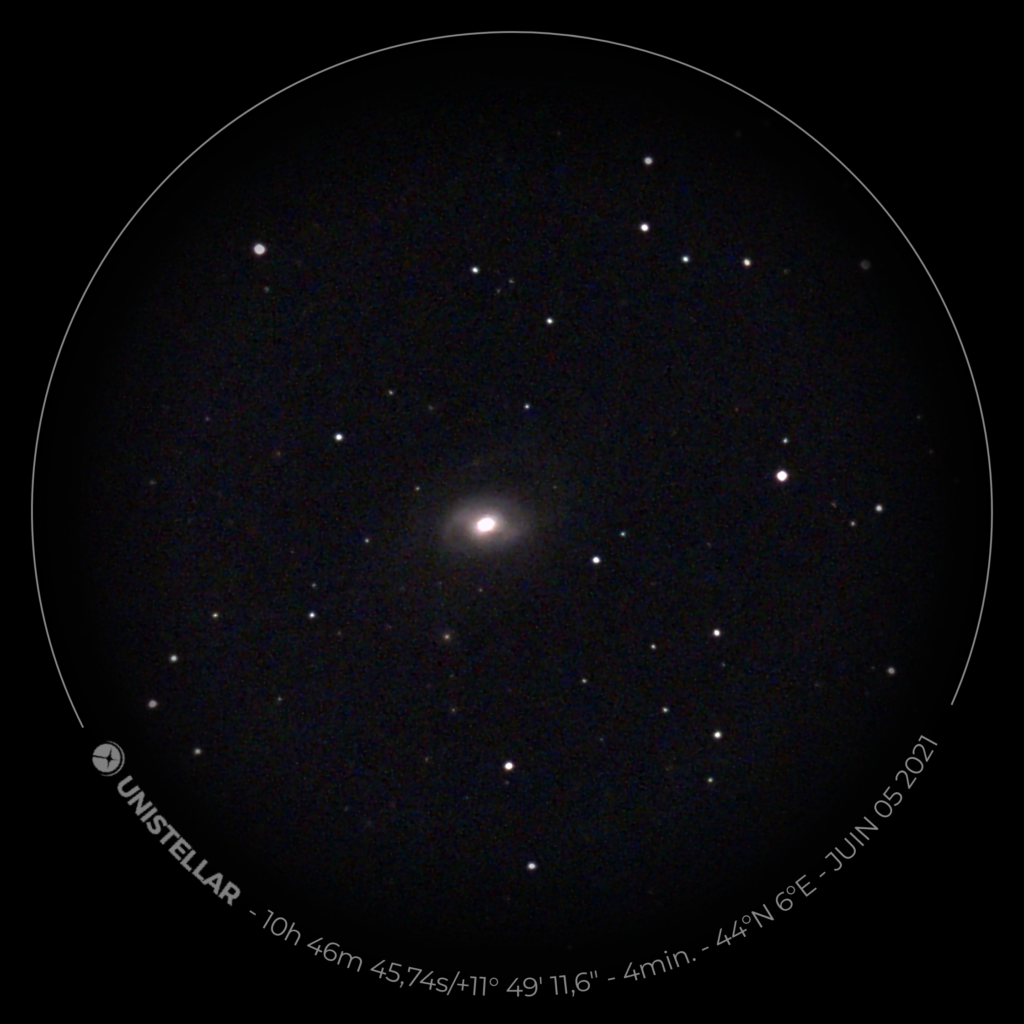
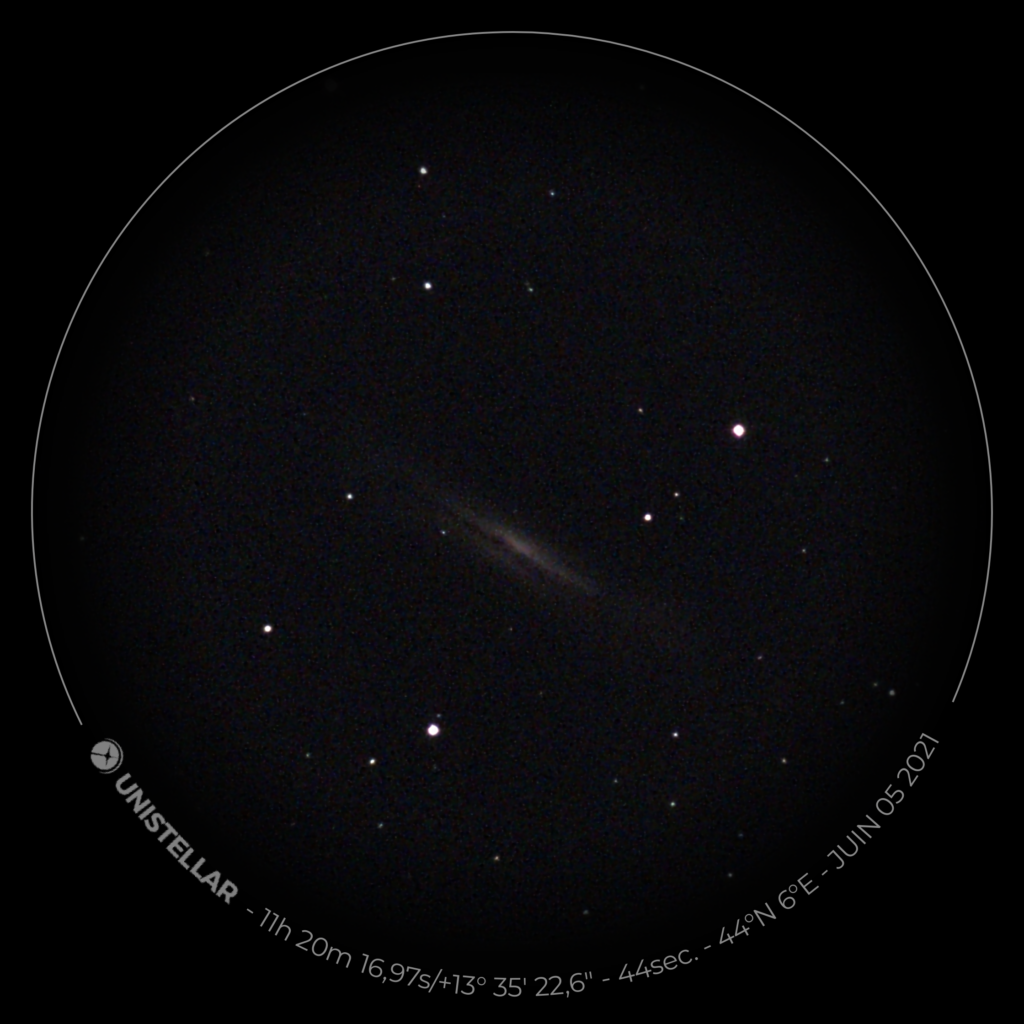
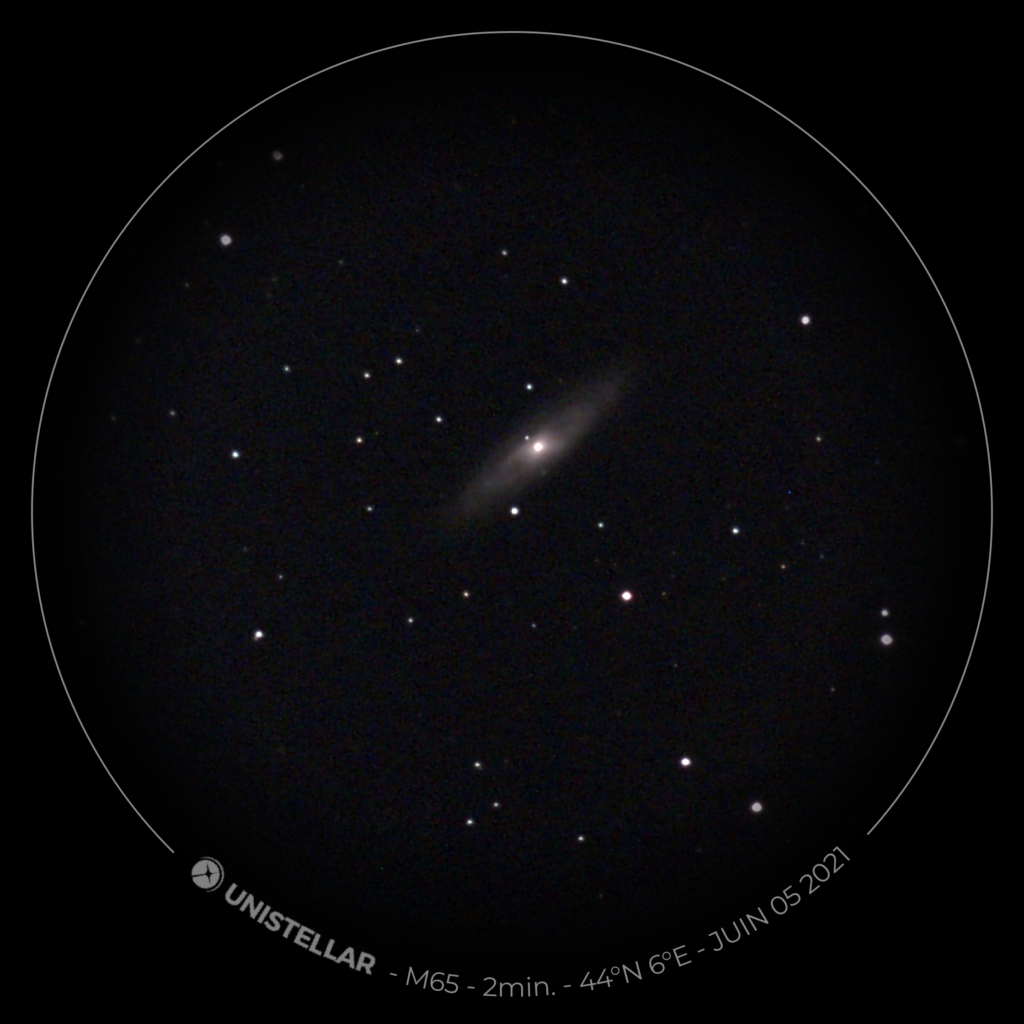
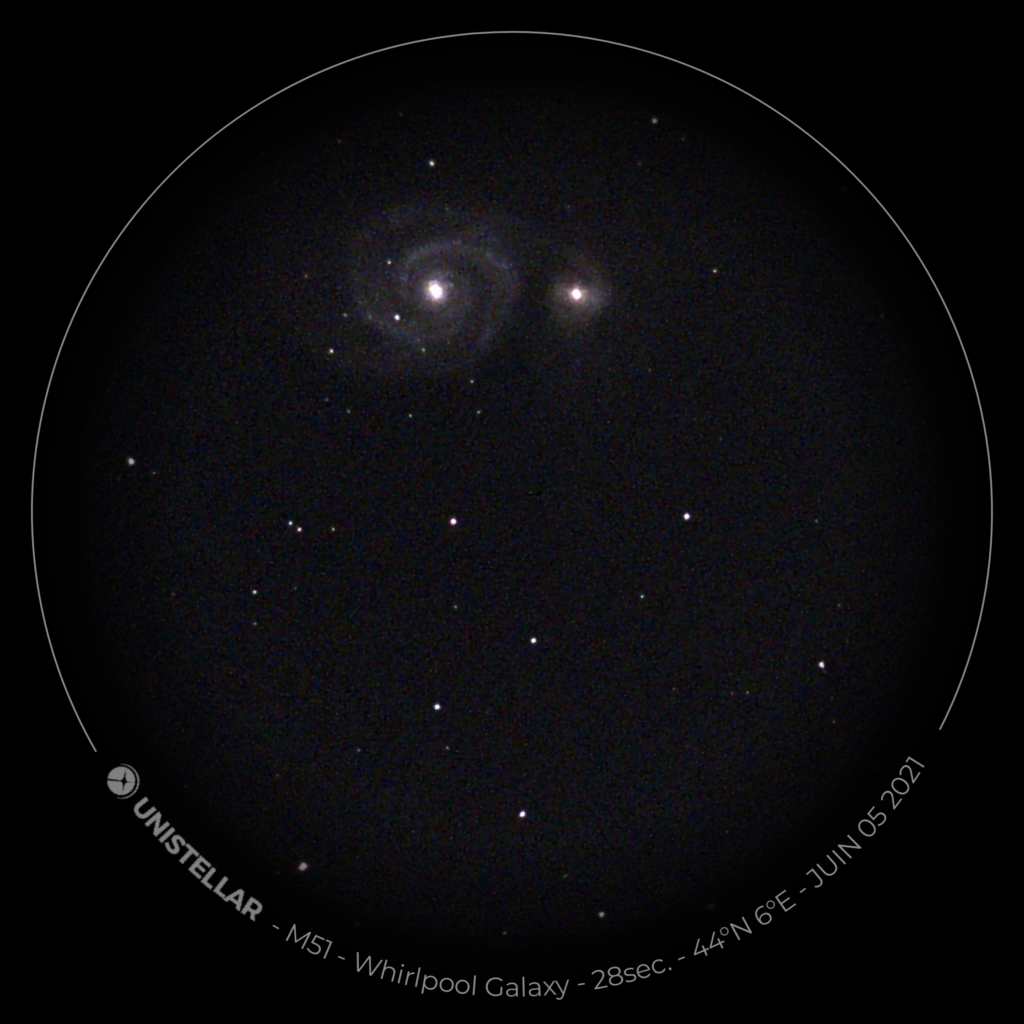

Cloning a git repository from BitBucket can fail producing that kind of logs:
Clonage dans '.'...
remote: Counting objects: 7008, done.
remote: Compressing objects: 100% (5921/5921), done.
error: échec RPC ; curl 56 GnuTLS recv error (-110): La connexion TLS n’a pas été terminée correctement.
fetch-pack: unexpected disconnect while reading sideband packet
fatal: fin de fichier prématurée
fatal: échec de index-pack
Working solution was to force IPv4 with -4 option, like in the following example:
git clone -4 https://giturl.com/repo.git .Jons fountain #photography #landscape






500 Millions is the new unit when it comes to major companies data leaks.
#LinkedIn #leaks
https://www.courrierinternational.com/article/internet-les-donnees-de-500-millions-de-comptes-linkedin-en-vente-sur-un-forum




























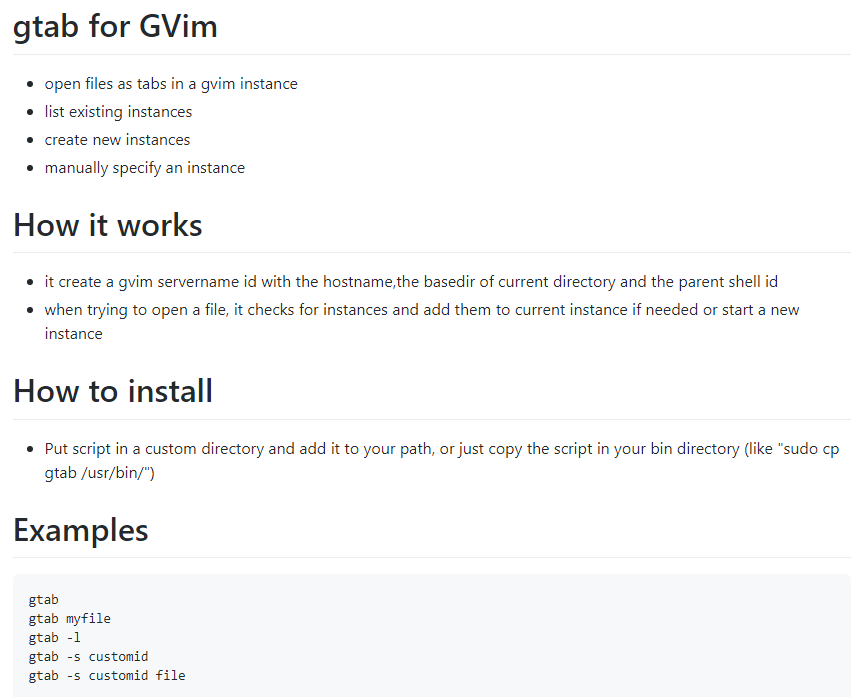
If you are using gvim a lot and love using tabs in it, then that little script is made for you !
You can get it at https://github.com/GullCode/gtabforgvim
Linux and Cygwin compatible
If you ever need to use a proxy when updating / installing packages in msys2 you’ll have to set the following environnement variables, and put them i.e in your .bash_profile :
# .bash_profile example
# Note: username and password have to be url encoded in case they contain special chars
export http_proxy=http://USERNAME:PASSWORD@proxy:port
# or like this if not user/password required
# export http_proxy=http://proxy:port
export https_proxy=$http_proxy
export ftp_proxy=$http_proxy
export rsync_proxy=$http_proxy
# if you need a proxy ignore list
export no_proxy="localhost,127.0.0.1,localaddr,.yourlocaldomain.ext,.local"I’ve set up my last allegro 5 install + compilers in less than 15 minutes.
1) download and install msys2 ( https://www.msys2.org/ )
Now launch the msys2 terminal and copy pasta the followings:
#UPDATE MSYS2
pacman -Syu
#INSTALL GCC 32 & 64BITS
pacman -S --needed base-devel mingw-w64-i686-toolchain mingw-w64-x86_64-toolchain git subversion mercurial mingw-w64-i686-cmake mingw-w64-x86_64-cmake
#INSTALL ALLEGRO5 32 & 64BITS
pacman -Sy mingw32/mingw-w64-i686-allegro mingw64/mingw-w64-x86_64-allegro
#INSTALL ALLEGRO5 64BITS DEPENDENCIES
pacman -Sy mingw-w64-i686-dumb mingw-w64-i686-flac mingw-w64-i686-opusfile mingw-w64-i686-freetype mingw-w64-i686-libjpeg-turbo mingw-w64-i686-libpng mingw-w64-i686-libvorbis mingw-w64-i686-libwebp mingw-w64-i686-openal mingw-w64-i686-physfs
#INSTALL ALLEGRO5 32BITS DEPENDENCIES
pacman -Sy mingw-w64-x86_64-dumb mingw-w64-x86_64-flac mingw-w64-x86_64-opusfile mingw-w64-x86_64-freetype mingw-w64-x86_64-libjpeg-turbo mingw-w64-x86_64-libpng mingw-w64-x86_64-libvorbis mingw-w64-x86_64-libwebp mingw-w64-x86_64-openal mingw-w64-x86_64-physfsThat’s quite a leak if you’re asking me.
https://www.businessinsider.fr/us/stolen-data-of-533-million-facebook-users-leaked-online-2021-4
A few days ago I had to list the arguments for specific process.
While finding it using “ps -aef | grep ‘processname'” and getting the information is trivial under linux, it is not the case using cygwin, which is only reporting process name and pid when calling “ps”.
A lot of solutions involve installing cygwin packet, like pstree.
Another solution is to search the /proc/pid/cmdline files, like here:
grep -a /proc/*/cmdline | xargs -0
/proc/1990/cmdline:/bin/sh /usr/bin/startxwin
/proc/2016/cmdline:xinit /etc/X11/xinit/startxwinrc — /usr/bin/XWin :0 -multiwindow -auth /home/user/.serverauth.1990
/proc/2017/cmdline:/usr/bin/XWin :0 -multiwindow -auth /home/user/.serverauth.1990
/proc/2023/cmdline:/usr/bin/xwin-xdg-menu
/proc/2035/cmdline:dbus-launch –sh-syntax –exit-with-session
/proc/2036/cmdline:/usr/bin/dbus-daemon –fork –print-pid 5 –print-address 7 –session
/proc/2046/cmdline:/usr/libexec/gam_server
/proc/2512/cmdline:mintty
/proc/2513/cmdline:bash
/proc/3441/cmdline:grep –color -a /proc/1990/cmdline /proc/2016/cmdline /proc/2017/cmdline /proc/2023/cmdline /proc/2035/cmdline /proc/2036/cmdline /proc/2046/cmdline /proc/2512/cmdline /proc/2513/cmdline /proc/3441/cmdline /proc/self/cmdline
/proc/self/cmdline:grep –color -a /proc/1990/cmdline /proc/2016/cmdline /proc/2017/cmdline /proc/2023/cmdline /proc/2035/cmdline /proc/2036/cmdline /proc/2046/cmdline /proc/2512/cmdline /proc/2513/cmdline /proc/3441/cmdline /proc/self/cmdline
To restrain it to a particular process i.e XWin, excluding grep command:
grep -a “XWin” /proc/*/cmdline |xargs -0 |grep -v grep
/proc/2016/cmdline:xinit /etc/X11/xinit/startxwinrc — /usr/bin/XWin :0 -multiwindow -auth /home/user/.serverauth.1990
/proc/2017/cmdline:/usr/bin/XWin :0 -multiwindow -auth /home/user/.serverauth.1990
Just wanted to say that my own public repo for NiloreaLibrary is part of the vault, and a copy of it is in the archive located in a decommissioned coal mine in the Svalbard archipelago, closer to the North Pole than the Arctic Circle. GitHub captured a snapshot of every active public repository on 02/02/2020 and preserved that data in the Arctic Code Vault.
More infos: